

Mason full Cheat for Rust
1 / 11
How to install and launch
Mason Full is a private cheat for the game Rust that offers a wide range of features designed to give players a competitive advantage. It includes tools such as aimbot, ESP visuals, radar, and other utilities that help detect players, resources, and objects on the map more easily. The cheat is customizable and regularly updated to maintain stable performance.
Status:
undetected
- Windows
- 10(all)/11(all)
- Processor
- All
- Graphics card
- All
- Launchers
- Steam
- USB flash drive
- Required
- Spoofer
- No built-in/Choose spoofer
List of Hack Features
Aimbot
- Tab enabled / Enable Aimbot
- Silent Aim / Enable silent aimbot, allows you to hit the target without aiming at it
- Aim prediction / Enable pre-emption for the aimbot
- Auto switch / Enable automatic switching to the next target within the aimbot radius
- Aim key / Set a key to activate the aimbot, the selected key must be pressed and held
- Aim spot / Set a body part for targeting the aimbot
- Aim radius / Set the working radius of the aimbot
- Ignore team / Aimbot will ignore your allies
- Ignore wounded / Aimbot will ignore the wounded
- Aim smooth / Set the smoothness of the aimbot hover, the minimum value increases the risk of getting blocked
Visualisation
- Tab enable / Enable ESP
- Show bounding box / Display 2D squares
- Show snapline / Display lines
- Show distance / Display the distance
- Show player name / Display player names
- Show player weapon
- Show player belt items
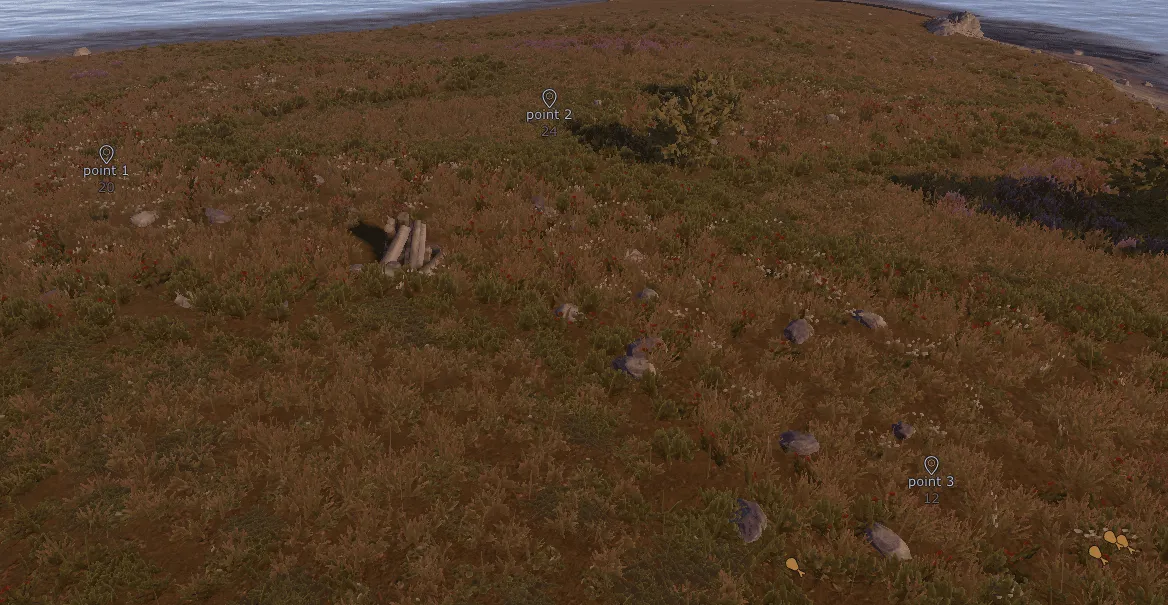
- Show nearby collectible / Display a nearby collectible item
- Show nearby dropped items / Display nearby items dropped by players when using the "show nearby collectibles" function
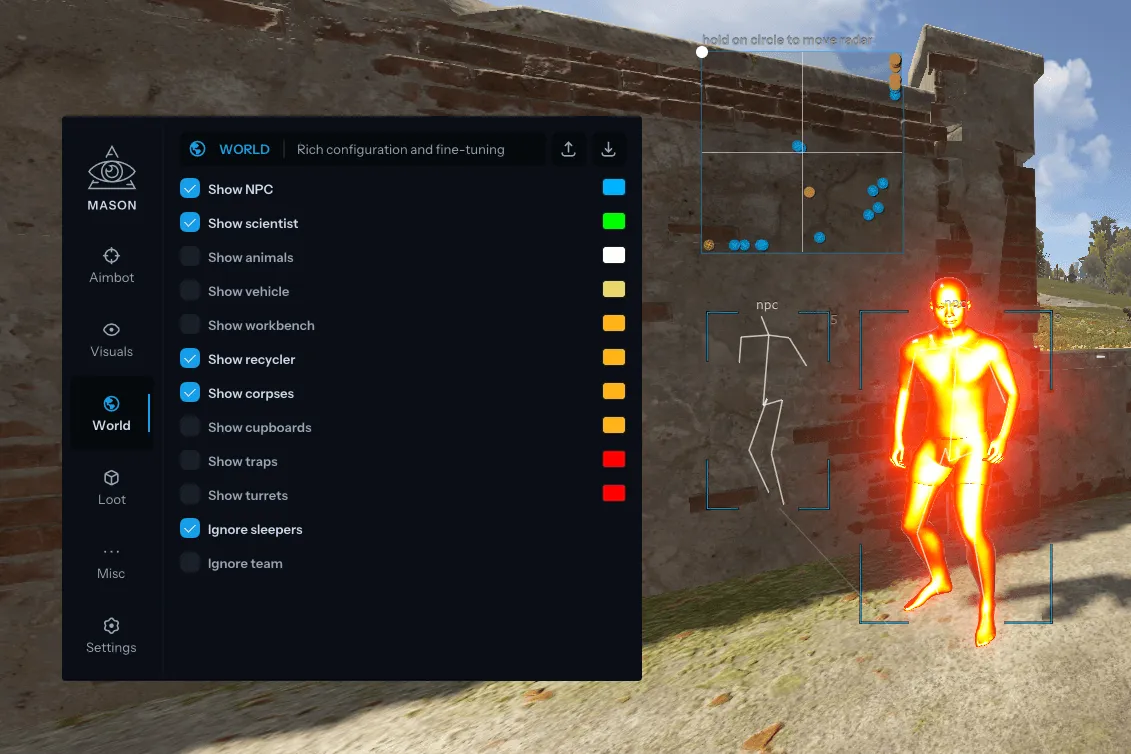
- Show NPC / Display NPCs
- Show scientist / Display scientists
- Show animals
- Show vehicle / Display a transport and its name
- Show recycler / Display the processor
- Show copters / Display the copter
- Show crates / Display mailboxes
- Show cupboards / Display cabinets
- Show food / Display food
- Show supply drop / Display an airdrop
- Show traps / Display traps
- Show turrets / Display turrels
- Show sulfur ore / Display sulfur
- Show metal ore / Display iron ore
- Show stone ore / Display stone ore
- Show wood pile / Display a pile of firewood
- Ignore sleepers
- Players distance limit / Set the display distance of players
- Object distance limit / Set the distance for displaying objects
- Show workbench / Display workbenches
- Show skeleton / Display skeletons
- Show out of FOV players / Arrows show enemies behind your back
- Show bullet tracers / Display bullet paths
- Show dormant / Display the last position of the player, even if there is no information about it on the client
- Chams Type / Select the type of displayed chams, for visible enemies, the following colors are available: Pink (Pink), Blue (Blue), Green (Green), Red (Red). If the enemy is hidden, it will be displayed as: White
Misc
- Tab enable / Enable additional functions
- Full bright / Allows you to see at night as during the day
- Instant Eoka / Allows you to shoot instantly with Eoka
- Camera Zoom / Allows you to zoom in on the camera by clicking the button
- Interactive Free Cam / Free camera (use at your own risk) / TEMPORARILY OUT OF SERVICE / TEMPORARILY OUT OF SERVICE
- Remove constructions / Allows you to see through walls
- Custom sky color / Allows you to change the color of the sky
- FOV Changer / Allows you to change the game FOV
Graphical User Interface
- Show aim radius
- Show crosshair / Display a crosshair in the center of the screen
- Show radar / Display radar
- Radar size / Set the size of the displayed radar
- Radar radius / Set the radar operating radius
Configuration
- Save cpu / Save CPU resources
- Menu key / Set the cheat menu power key
- Panic key / Allows you to turn off the cheat immediately
- Battle mode key / Button to enable player-only display mode
- Load config from clipboard
- Visuals font size / Selecting the font size for visuals
- Save config to clipboard
The developer may change the program's functionality at any time, but we always do our best to keep this information up to date
More Hacks for Rust

Xernelfrom 6$
Aimbot, ESP, Radar
undetected
Tons of features

Mason Internalfrom 5.7$
Aimbot, ESP, Radar
undetected

Ancientfrom 5$
Aimbot, ESP, Radar
undetected
Lowest risk

SMG Chams++from 4.8$
Aimbot, ESP
undetected
Lowest risk
SMG Chamsfrom 3.6$
ESP
undetected

Arcanefrom 6$
Aimbot, ESP
undetected

Memez Externalfrom 4.1$
Aimbot, ESP
risky
Memez Internalxfrom 5.8$
Aimbot, ESP, Radar
risky