

Arcane Cheat for GTA V (Grand Theft Auto 5)
How to install and launch
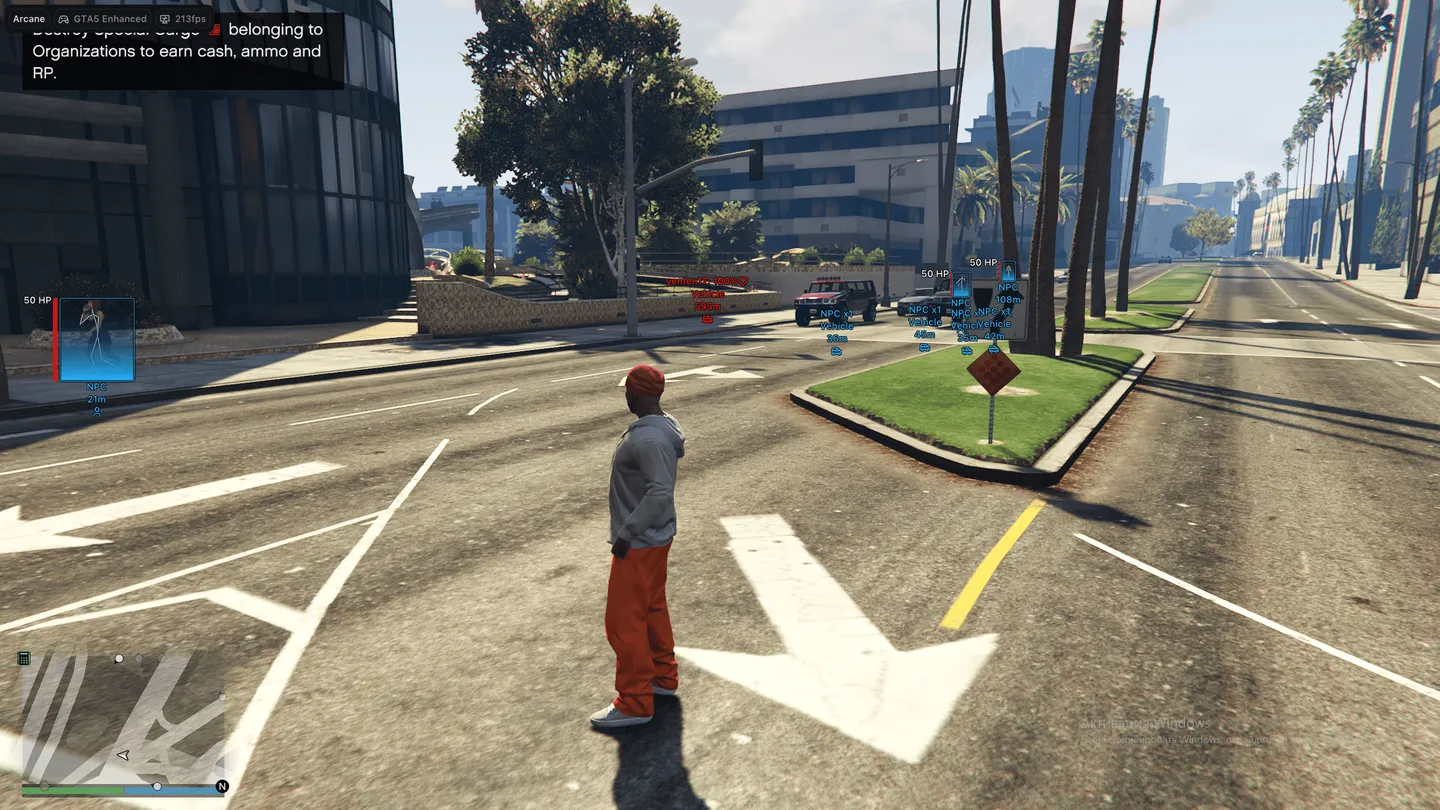
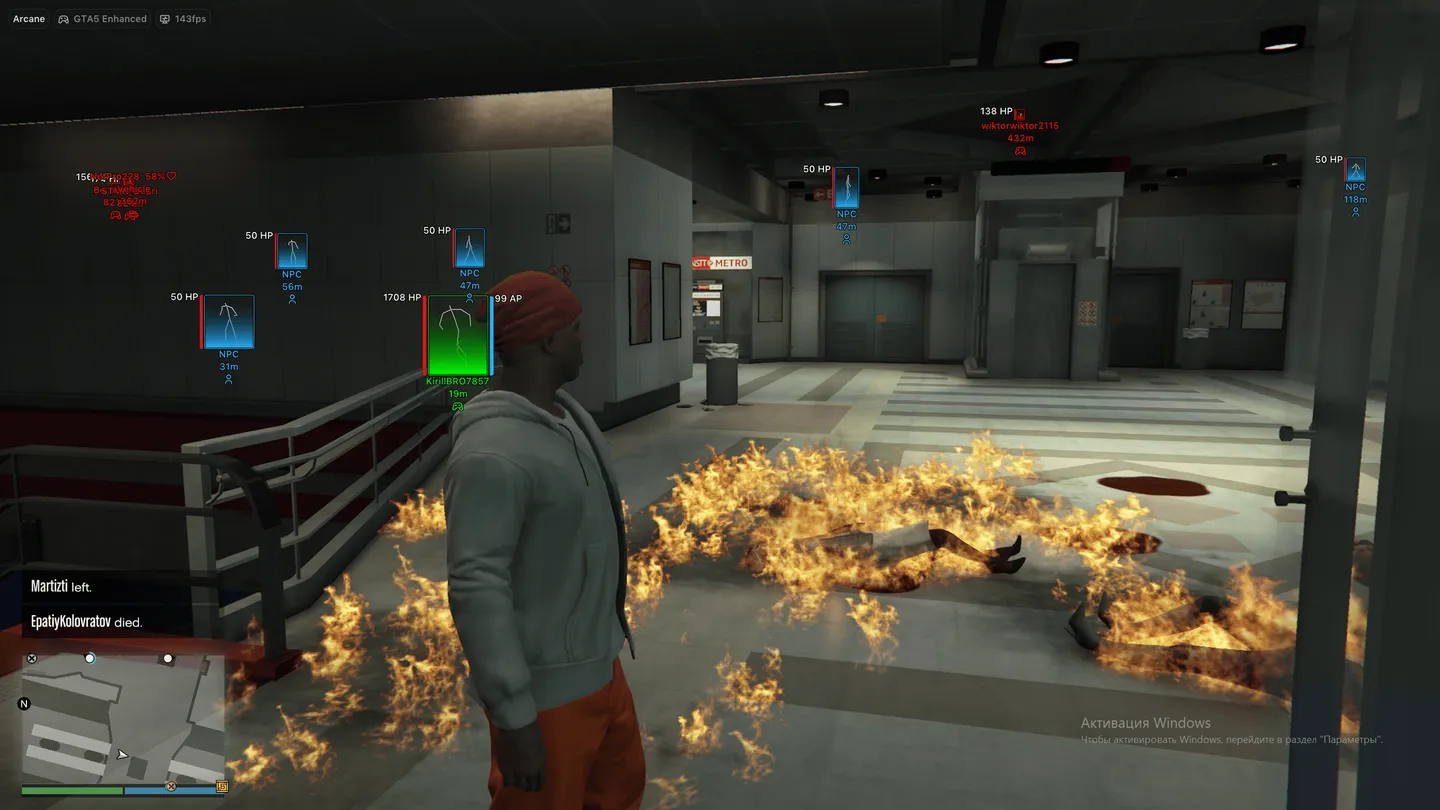
Arcane for GTA 5 covers the whole lobby, not just the shooting: Never Wanted, infinite health, armor, stamina and vehicle health, a speedhack and a teleport to your waypoint on one key. The aimbot predicts movement, can lock onto one player, include NPCs and friends and even work with melee and throwables, aiming at the head, neck, chest or stomach. On players and NPCs the ESP shows health and armor bars with text, boxes and skeletons, vehicles show who sits inside, and pickups are split into weapons, ammo, money and health. No spread, no recoil and an extended damage value sit in the same menu, and the crosshair comes in seven styles. There is no radar, and Battle Mode can hide animals, vehicles, NPCs and pickups but never the players themselves.
- Windows
- 10(all)/11(all)
- Processor
- All
- Graphics card
- Nvidia/AMD
- Launchers
- Steam, Epic Games, Social Club
- Spoofer
- No built-in/Choose spoofer
Works only for the Enhanced and Legacy versions.
Buy access
Instant delivery
List of Hack Features
Aimbot
- Enabled
- Mode: (On Hold, Always Aim)
- Aim keybind
- Prediction
- Player lock
- Target NPCs
- Target Friends
- Visibility check
- Aim with melee weapons
- Aim with throwable weapons
- Smoothness
- Max target distance
- Draw Aim FOV
- Hide Aim FOV on disabled weapon slots: (Melee, Throwable)
- FOV color
- FOV thickness
- FOV radius
- Target bone mode: (Selected Bone, Closest Bone)
- Selected bone: (Head, Neck, Chest, Stomach)
Pedestrians ESP (network players)
- Enabled
- Draw friends
- Visibility check
- Player info: (Name, Distance, Icon)
- Info color
- Render distance
- Health bar: (Solid, Value Based, Gradient)
- Health text
- Armor bar: (Solid, Value Based, Gradient)
- Armor text
- Bars render condition: (Always, Non Zero)
- Bounding box: (Box, Corner)
- Bounding box color
- Fill box: (Gradient, Solid)
- Fill box color
- Skeleton
- Skeleton color
Pedestrians ESP (npc)
- Enabled
- Visibility check
- NPC info: (Name, Distance, Icon)
- Info color
- Render distance
- Health bar: (Solid, Value Based, Gradient)
- Health text
- Armor bar: (Solid, Value Based, Gradient)
- Armor text
- Bars render condition: (Always, Non Zero)
- Bounding box: (Box, Corner)
- Bounding box color
- Fill box: (Gradient, Solid)
- Fill box color
- Skeleton
- Skeleton color
Pedestrians ESP (animals)
- Name
- Name color
- Render distance
- HP
Entities ESP (pickups)
- Weapons
- Ammo
- Money
- Health
- Misc
- Per-category color
- Per-category render distance
Entities ESP (vehicles)
- Network vehicles
- NPC vehicles
- Vehicle info: (Name, Distance, Icon)
- Vehicle info color
- Draw self vehicle
- Draw empty vehicles
- Render distance
- Network passengers render mode: (Nothing, Info Only, Render, Info And Render)
- Network passengers info mode: (Short, Detailed)
- Network passengers info condition: (Always, Non Zero)
- NPC passengers render mode: (Nothing, Info Only, Render, Info And Render)
- NPC passengers info mode: (Short, Detailed)
- NPC passengers info condition: (Always, Non Zero)
Misc
- Never Wanted
- Infinite Health
- Infinite Armor
- Infinite Stamina
- Infinite Vehicle Health
- Speedhack
- Teleport Waypoint keybind
- Instant Death keybind
- Battle Mode
- Battle Mode keybind
- Hide animals in Battle Mode
- Hide vehicles in Battle Mode
- Hide NPCs in Battle Mode
- Hide pickups in Battle Mode
- No Spread
- No Recoil
- Extended Damage
- Extended Damage value
HUD
- Crosshair
- Crosshair color
- Crosshair style: (Plus, Circle, Dot, X Cross, Hollow Cross, Galactic Compass, Triangle)
- Crosshair size
- Crosshair thickness
- Reduce ESP opacity when hovered
- Show hover circle
- Hover radius
Settings
- Menu keybind
- Unload keybind
- DPI scale: (100%, 125%, 150%)
- Show FPS
- Theme: (Murky, Sunny)
- Watermark
- Menu language: (EN, RU, CN)
- Menu layout: (2 columns, 1 column)
- Update list / Patch notes
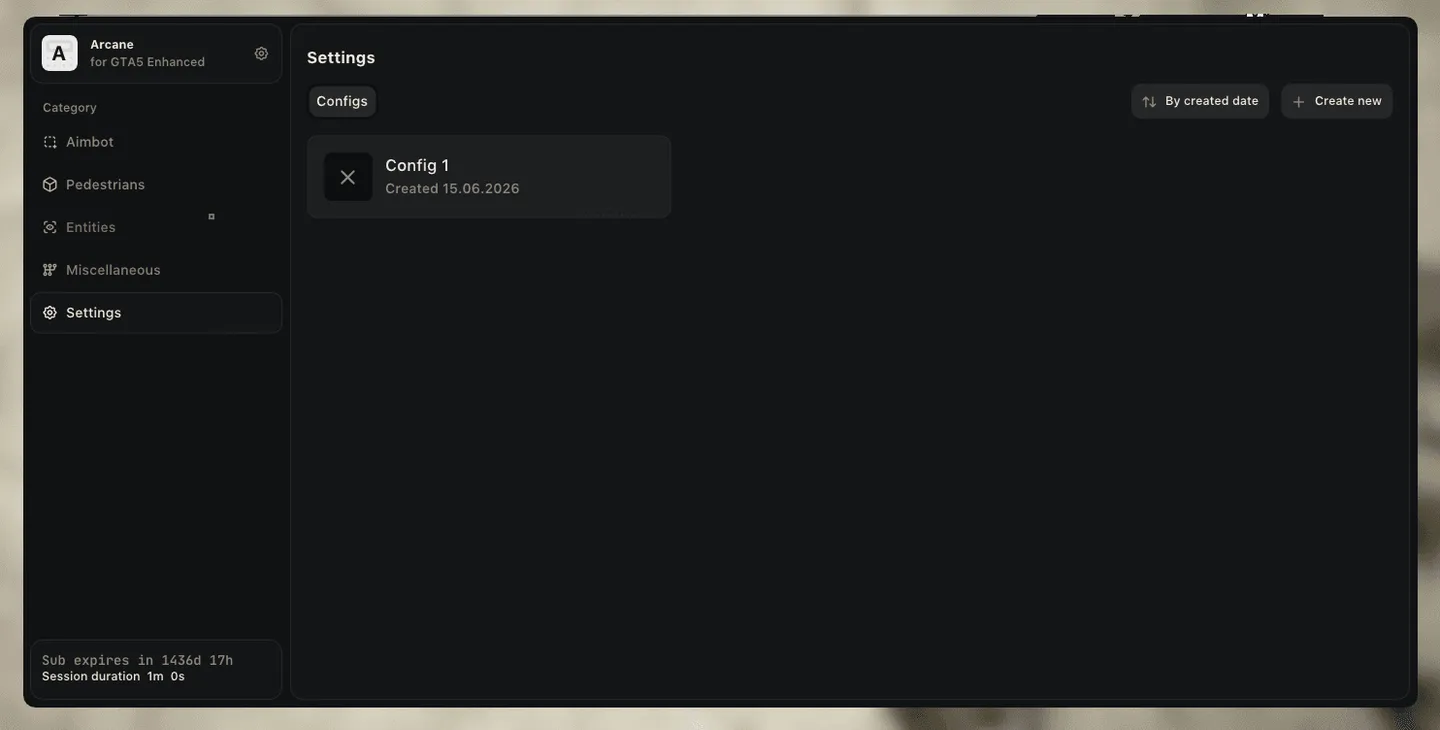
Configuration
- Sort by created date
- Create new
- Launch
- Save
- Edit name
- Share
- Remove
The developer may change the program's functionality at any time, but we always do our best to keep this information up to date