

Arcane Cheat for Halloween: The Game
How to install and launch
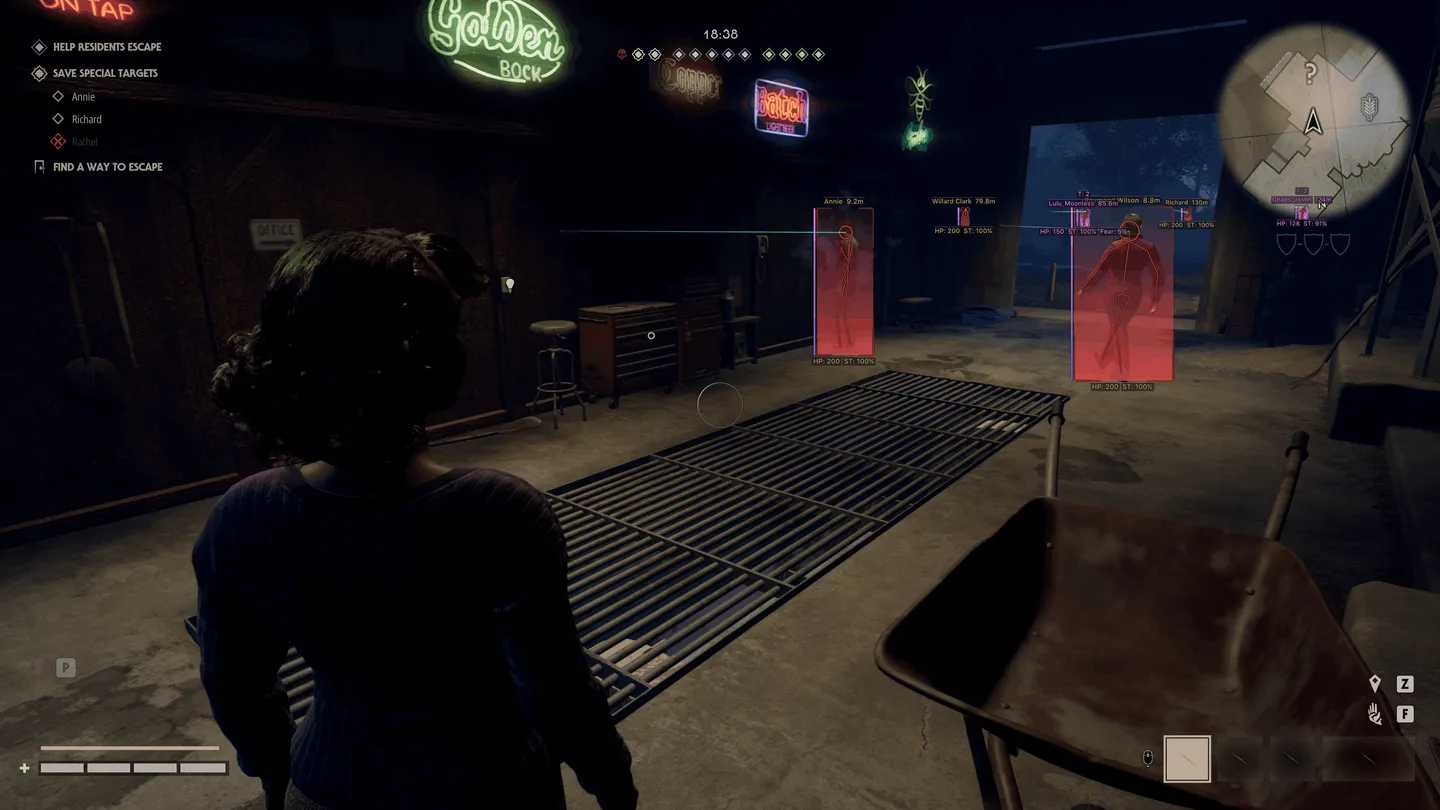
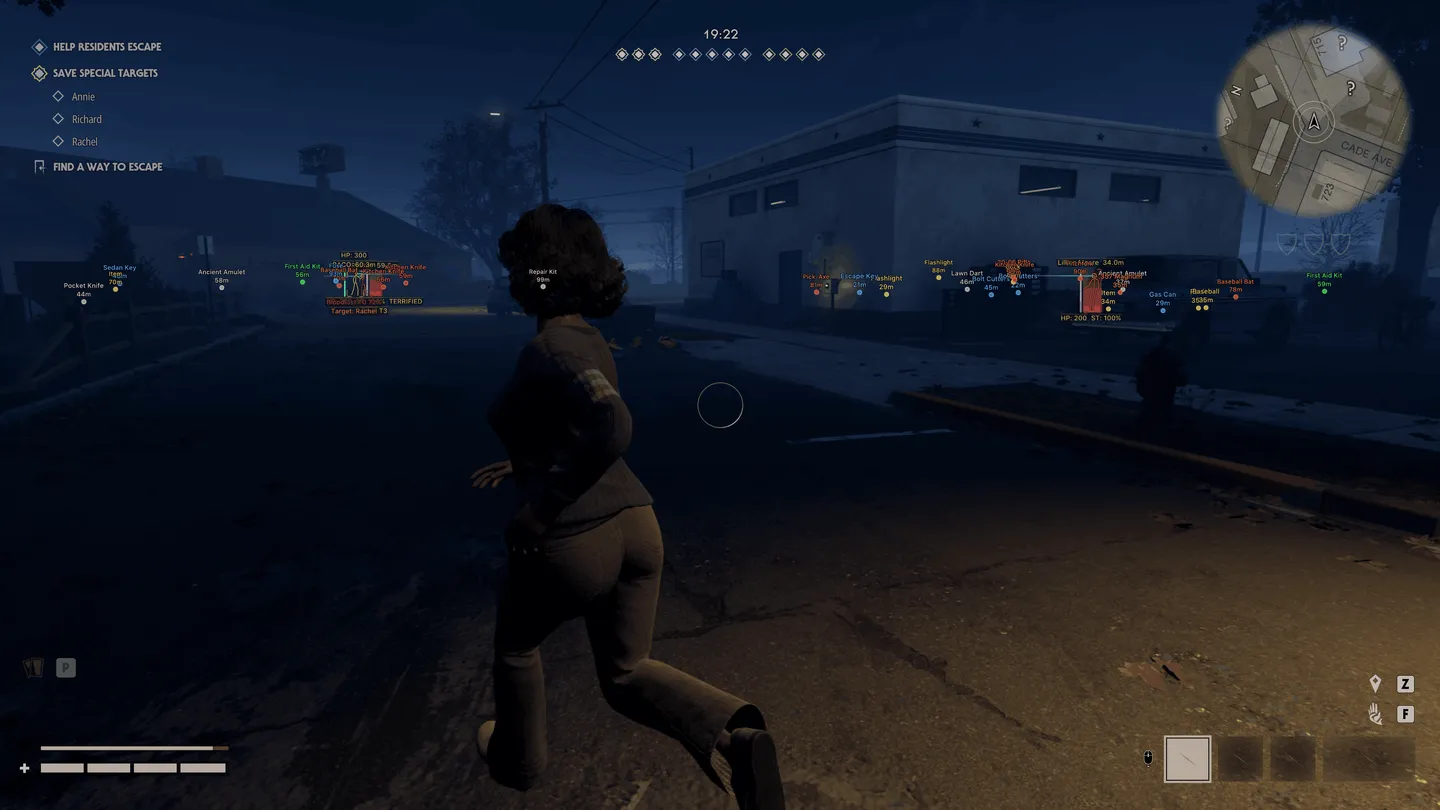
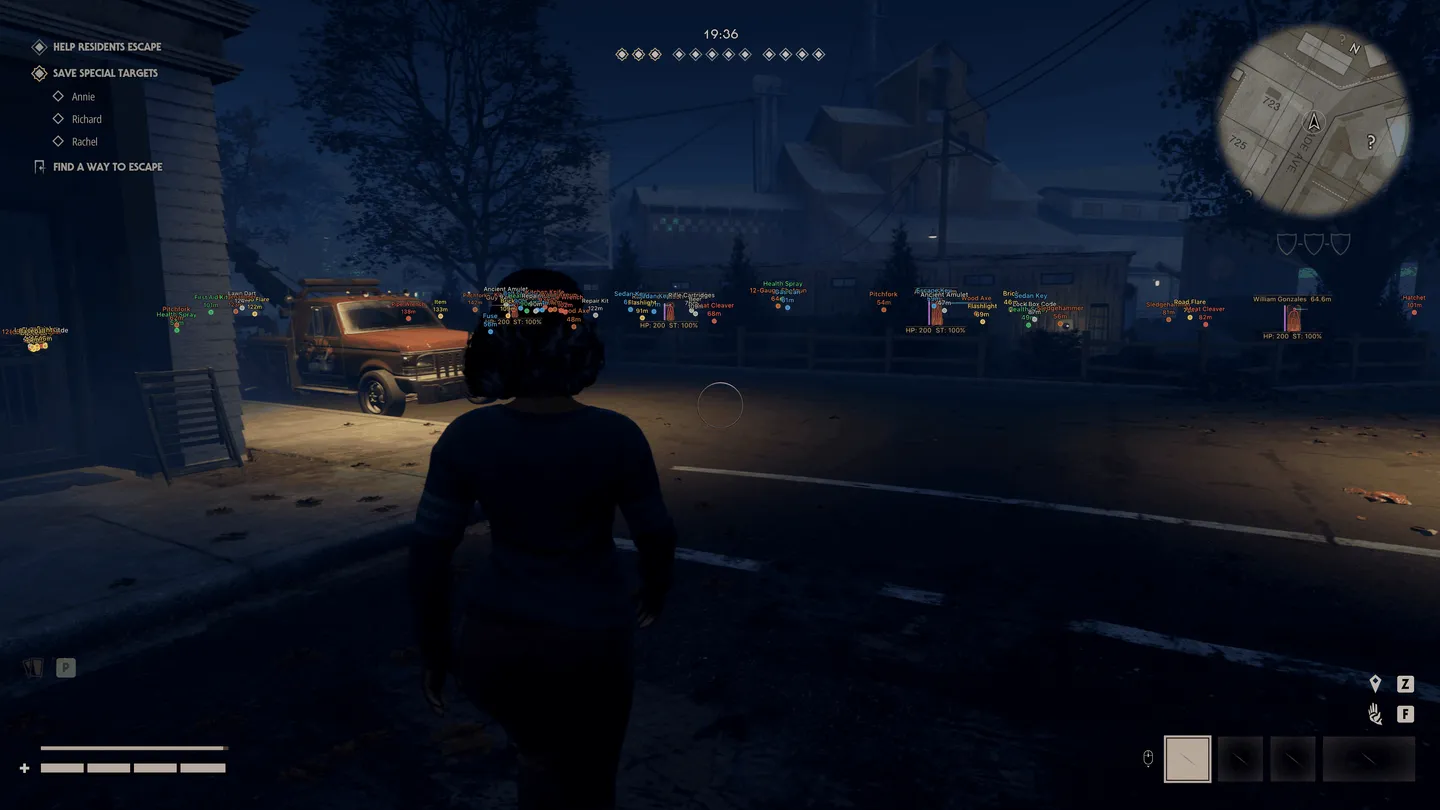
Arcane for Halloween: The Game reads Myers by intent rather than by outline: above him you see Bloodlust with its tier and percentage, a Detainment state and the survivor he is hunting right now. On survivors the line is different, with health, stamina, fear and stalk level, which shows whom Myers is already tracking. Item ESP sorts loot by purpose: melee, firearms, two-handed weapons, equipment, light sources, healing and everything you need to escape. Fullbright removes the shadows. Survivors or the killer, the aimbot takes either as a target and can skip teammates, knocked players and bots. Whoever is behind you stays on the radar, with its distance rings and view cone, and on the off-screen arrows.
- Windows
- 10(all)/11(all)
- Processor
- All
- Graphics card
- All
- Launchers
- Steam, Epic Games, Xbox
- Spoofer
- No built-in/Choose spoofer
List of Hack Features
Aimbot
- Enable — turns the aimbot on
- Keybind — the key it works on
- Mode — Always or On Hold
- Target — survivors or the killer (Assassin)
- Ignore list — teammates, knocked players, bots
- Bone — head, neck, chest or pelvis
- Adaptive FOV
- Draw FOV Border — outlines the FOV circle
- Draw FOV Background — fills the FOV circle
- FOV Size — how big the circle is
- Smoothness — how gradually the aim moves
- Max distance — how far the aimbot reaches
ESP (survivors)
- ESP style
- Bounding box — normal or corners only
- Box fill — solid or gradient
- Skeleton — with line thickness and a head circle
- View line — where the survivor is looking, with start and end colors
- Line to enemy — its position and color
- Health bar — solid, by health grade or gradient
- Health text — health as a number
- Name
- Team ID — the team number
- Distance
- Stamina
- Fear
- Stalk level — how far the killer's stalking has gone
- Status effects
- Carried state — shows a knocked survivor
- Show team, Show knocked, Show BOT — teammates, knocked players and bots on separate switches
- Max distance
ESP (killer)
- ESP style
- Bounding box — normal or corners only
- Box fill — solid or gradient
- Skeleton — with line thickness and a head circle
- View line — where the killer is looking, with start and end colors
- Line to enemy — its position and color
- Health bar — solid, by health grade or gradient
- Health text — health as a number
- Bloodlust — its tier and percentage
- Detainment — the detention state
- Current target — the survivor the killer is after
- Max distance
ESP (items)
- Weapon — melee weapons
- Firearm — guns
- Two-handed — two-handed weapons
- Equipment
- Illumination — light sources
- Healing
- Escape items — what you need to get out
- Other
- Distance
- Transparency
- Max distance
Radar
- Enable — turns the radar on
- Entities — survivors, the killer, your team and items
- Distance rings
- FOV cone — your field of view on the radar
- Scale by distance
- Zoom
- Size
- Transparency
Off-screen
- Enable — arrows toward targets outside the screen
- Entities — survivors, the killer and your team
- Distance
- Range — the radius of the arrows
- Size
Misc
- Fullbright — switches the shadows off
- FOV Changer — changes the camera field of view
Settings
- Menu key
- Unload key — unloads the cheat
- Crosshair — a static crosshair
- DPI scale — interface scale
- VSync — vertical sync
- FPS limit
The developer may change the program's functionality at any time, but we always do our best to keep this information up to date