

Phoenix Cheat for Palworld
How to install and launch
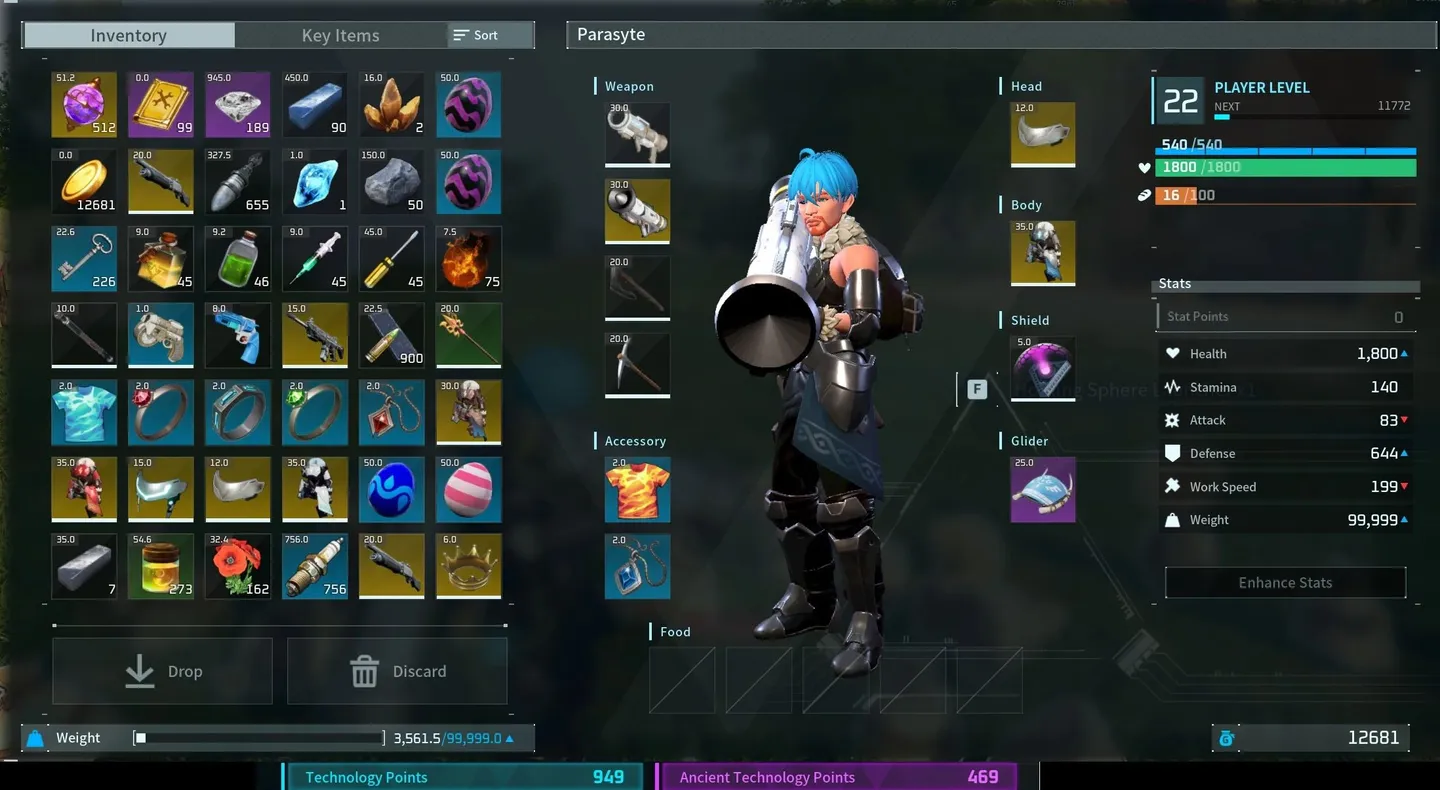
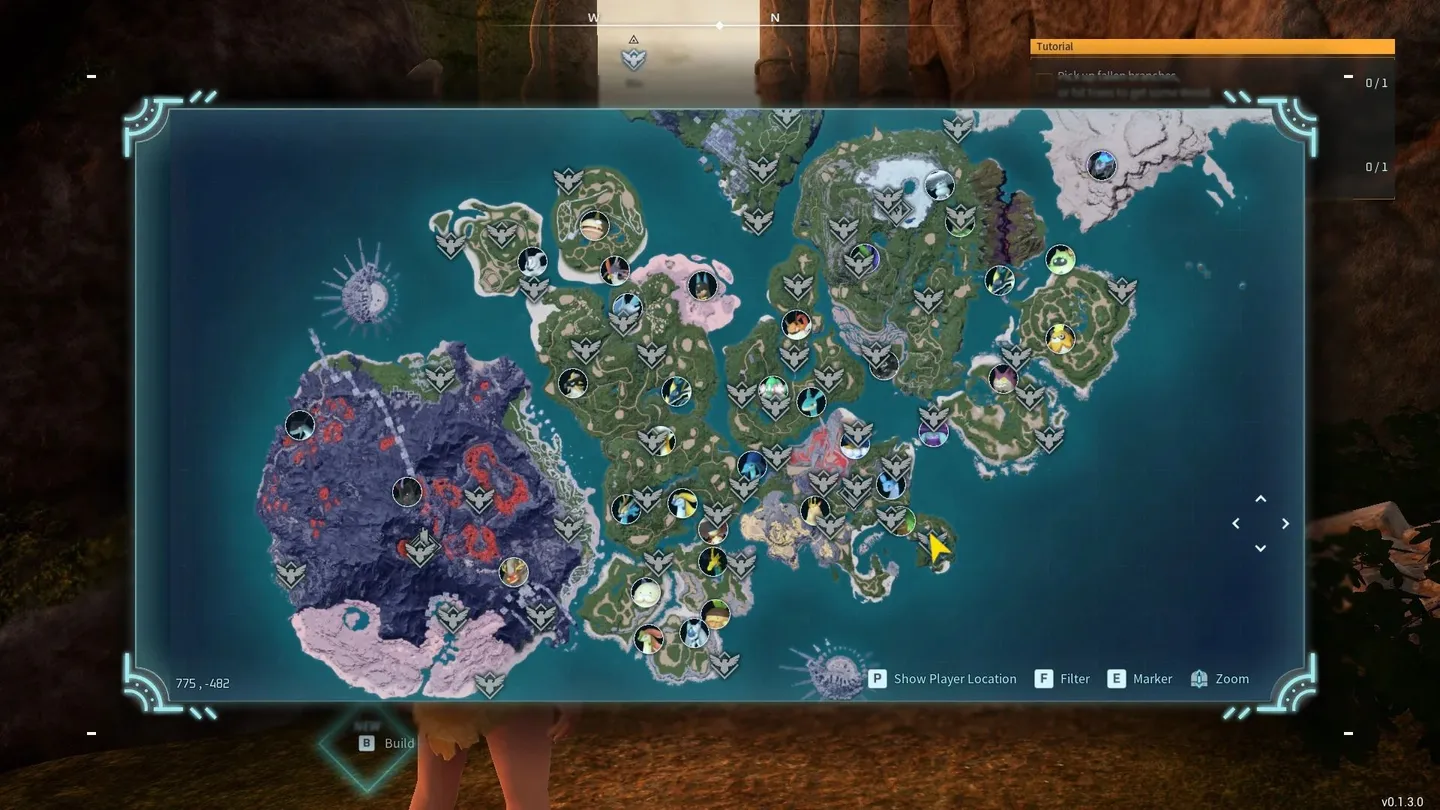
Phoenix for Palworld is less about fights than about skipping the grind: an item spawner adds items by category and amount, insta craft finishes crafting at once, a weightless backpack drops the carry limit, and experience and technology points can be set directly. With one click each you unlock all journals, effigies and fast travel points, clear the map fog and skip the night. The Object Manipulator pulls chosen items, resources and Pals to you inside its field of view, and it also has a separate Kill key with a multiplier. For combat there are infinite stamina, ammo and durability, rapid fire, a speed modifier and increased damage with their own values. On the ESP side, players and Pals show health, level and distance, and loot ESP marks stone, wood, berries, eggs and treasures. There is no aimbot, so the speed and damage tweaks have to carry every fight.
- Windows
- 10(all)/1121h2-25h2
- Processor
- All
- Graphics card
- All
- Launchers
- Steam
- Spoofer
- No built-in/Choose spoofer
List of Hack Features
ESP (players)
- Enabled – enables Player ESP
- Visible Check – visible and hidden targets are highlighted in different colors
- Names – shows player nicknames
- Skeleton – skeleton ESP on players
- Boxes – displays boxes around players
- Boxes Style – allows adjusting the style of boxes
- 2D Box – classic rectangular box
- Corner Box – box made only of corners
- Filled Box – semi-transparent filled box
- Health – displays players' health
- Health Style – health display style (text, bar)
- Level – shows player level
- Distance – displays distance to players
- Max Distance – sets maximum ESP working distance
ESP (pals)
- Enabled – enables ESP for mobs and pals
- Boxes – displays ESP boxes around pals (rectangles, only corners)
- Names – displays names of mobs / pals
- Health – shows mob health
- Level – displays mob level
- Distance – shows distance to mobs
- Targets – filter for displayed creatures (select specific mobs / categories)
- Max Distance – sets the display distance for mobs and pals
ESP (items)
- Enabled – enables ESP for items lying on the ground
- Filters – allows selecting specific loot categories to display
- Distance – shows distance to items
- Max Distance – sets maximum display distance for items and resources on the map
- Stone
- Wood
- Berries
- Eggs
- Treasures
- Other
Object Manipulator (Magnet)
- Field of View – the area in which items will be captured
- Filters – allows selecting specific categories of items and resources
- Magnet – automatically pulls items/mobs and resources to the player
- Key – hotkey setting for activating the manipulator/magnet
- Kill – a separate key with a multiplier
- Item Spawner – adds items by category and quantity
Other
- Fullbright – removes darkness and fully illuminates locations
- Infinity Stamina – infinite character stamina
- Infinity Ammo – enables infinite ammo
- Infinity Durability – items and weapons do not lose durability
- Rapid Fire – increases weapon fire rate
- Clear Map – reveals and clears the fog of war on the map
- Speed Modifier – changes character movement speed (speedhack)
- Speed Value – speed multiplier setting
- Increased Damage – increases dealt damage
- Damage Value – additional damage strength setting
- Insta Craft – instant crafting without waiting
- Lightweight Backpack – completely removes weight of carried items
- Exp Points – sets amount of received experience
- Apply Tech Points – grants/applies technology points
- Unlock All Journals – unlocks all journals and records
- Unlock All Effigies – unlocks all statues/effigies
- Unlock Fast Travels – unlocks all fast travel points
- Server Mode – special features for server mode
- Developer Mode – enables developer mode with extended tools and debugging features
- Localization – menu supports multiple languages (English, Russian)
- ESP Customization – allows customizing ESP element colors
- Skip Night – instantly skips the night
- Infinity Durability – disables wear on items (infinite durability)
The developer may change the program's functionality at any time, but we always do our best to keep this information up to date
