

Mcentral Icon Cheat for Valorant
1 / 3
How to install and launch
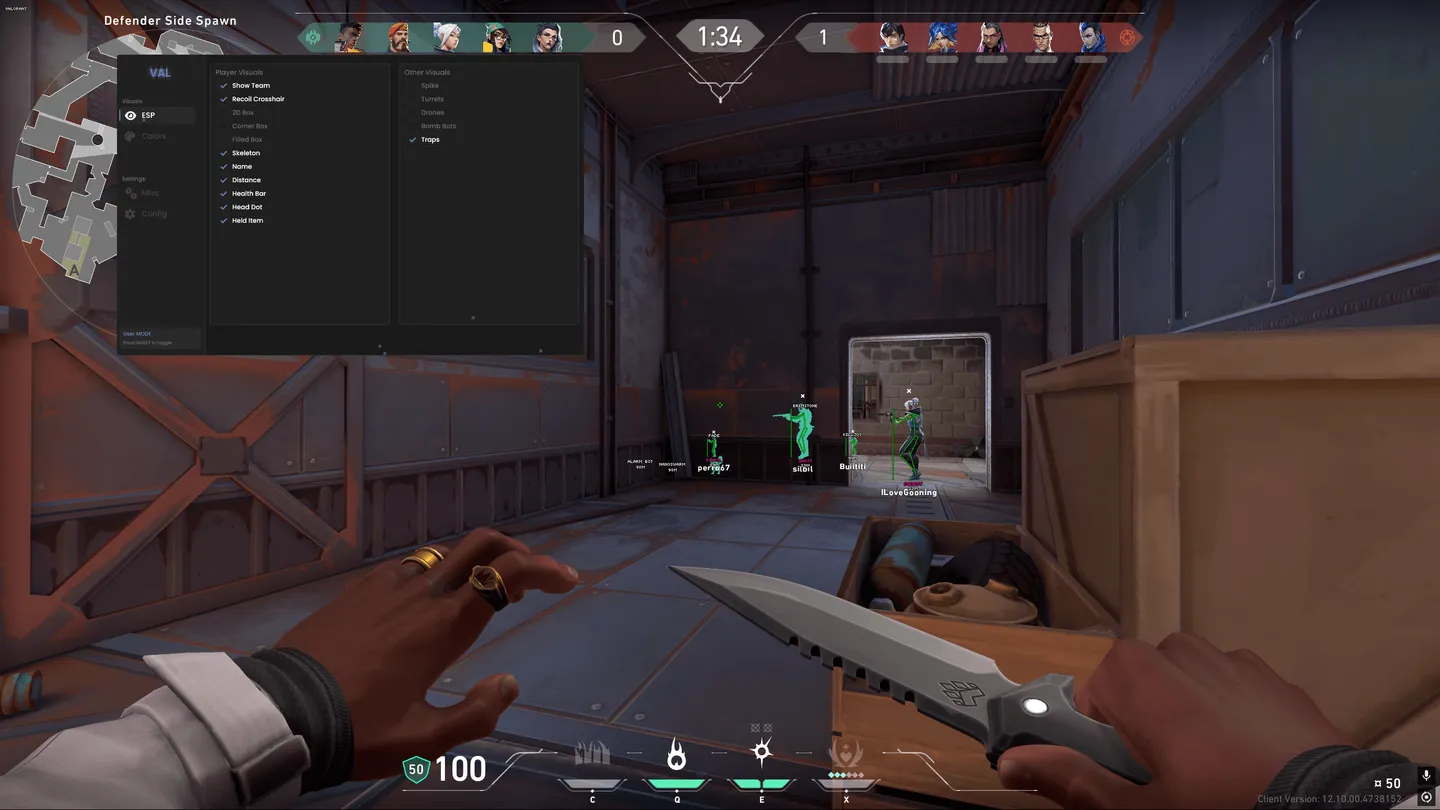
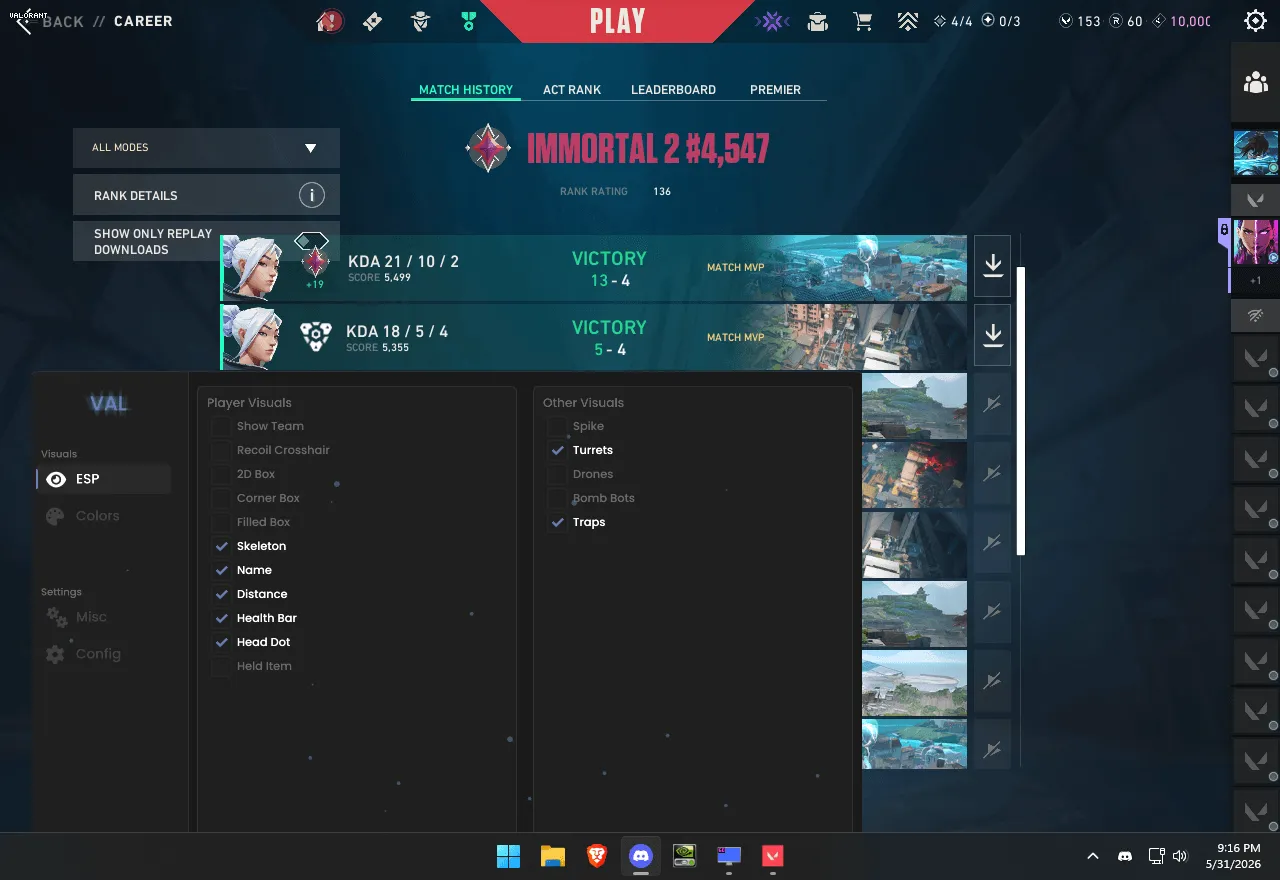
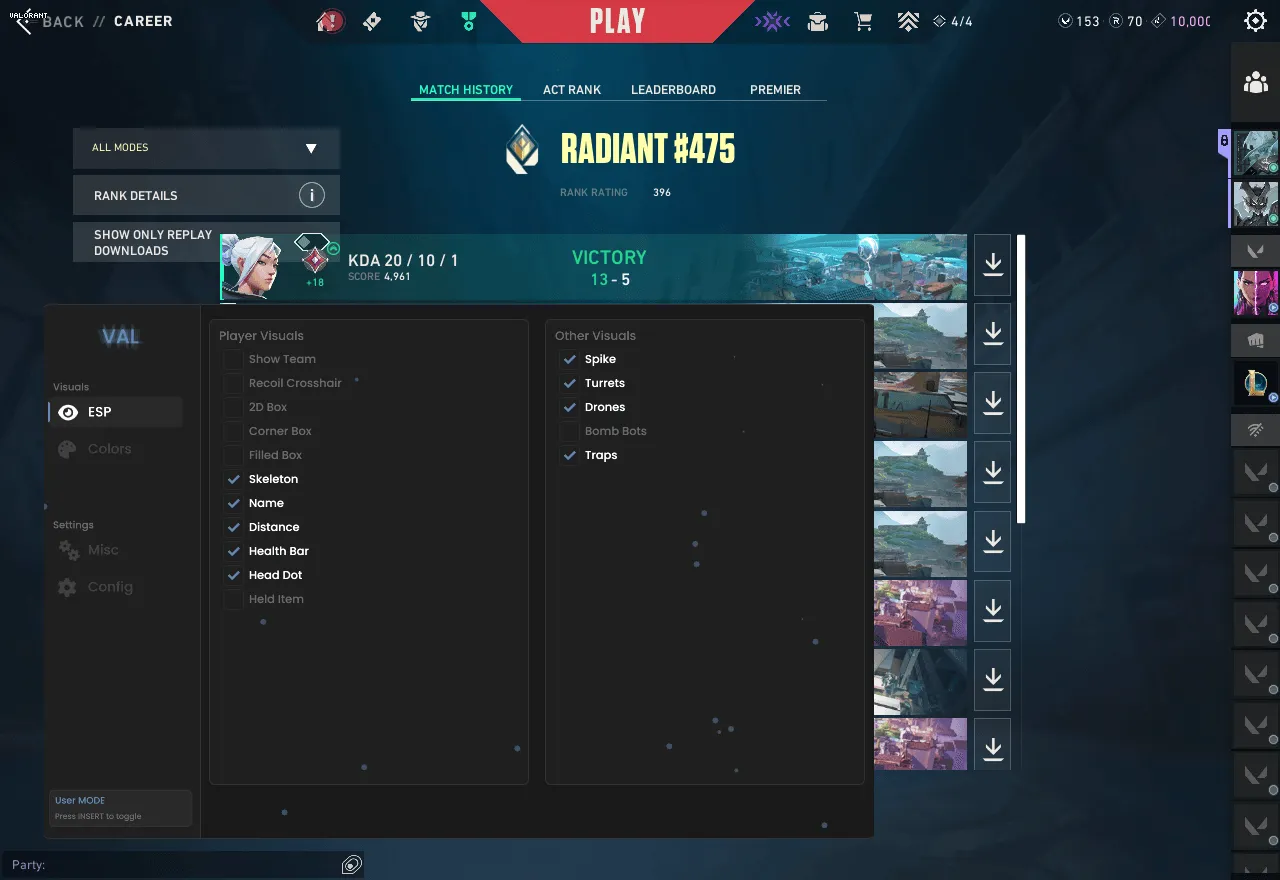
Mcentral Icon for Valorant is an ESP without an aimbot: it shows enemies with 2D, corner or filled boxes, skeletons, names, distance, health bars, a head dot and the item in hand, and team filtering keeps allies out. Beyond agents it marks the Spike, turrets, drones, bomb bots and traps, so you see a utility setup before you walk into it. A recoil crosshair shows where the spray lands, and the menu has its own crosshair, a watermark and colors for every element. There is no aimbot of any kind, so every shot stays with you.
Lowest risk
Status:
undetected
- Windows
- 10(all)/11(all)
- Processor
- All
- Graphics card
- All
- Launchers
- Riot
- Spoofer
- No built-in/Choose spoofer
Note
HVCI ON supported
List of Hack Features
Visuals
- 2D Box
- Filled Box
- Corner Box
- Skeleton
- Name ESP
- Distance ESP
- Health Bar
- Head Dot
- Held Item
- Team Filter
- Recoil Crosshair
- Spike ESP
- Turrets ESP
- Drones ESP
- Bomb Bots ESP
- Traps ESP
Settings
- Crosshair
- FOV Circle
- Target Aim Line
- Watermark
- Colors for every element
- Config manager with presets
The developer may change the program's functionality at any time, but we always do our best to keep this information up to date
