

Arcane Cheat for Active Matter
How to install and launch
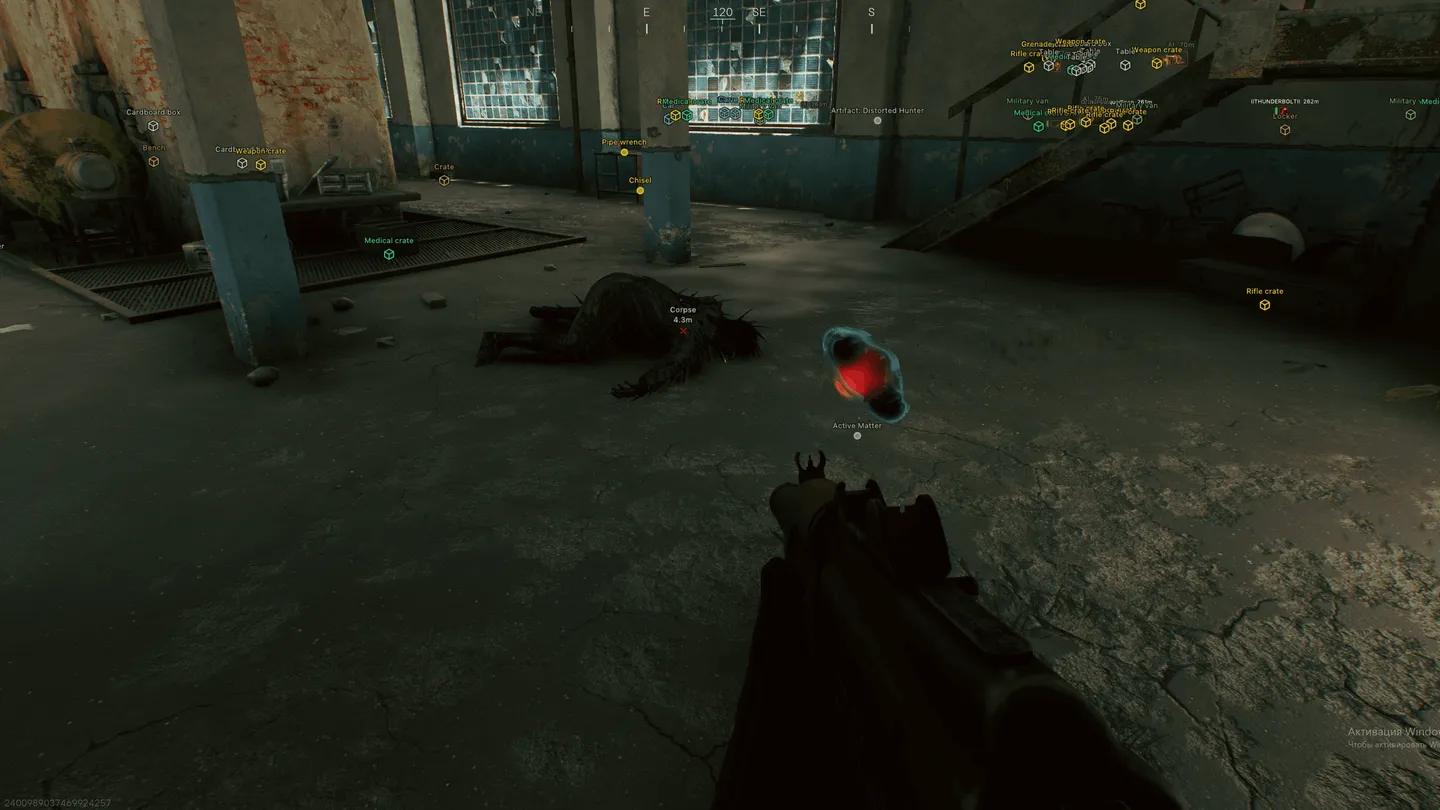
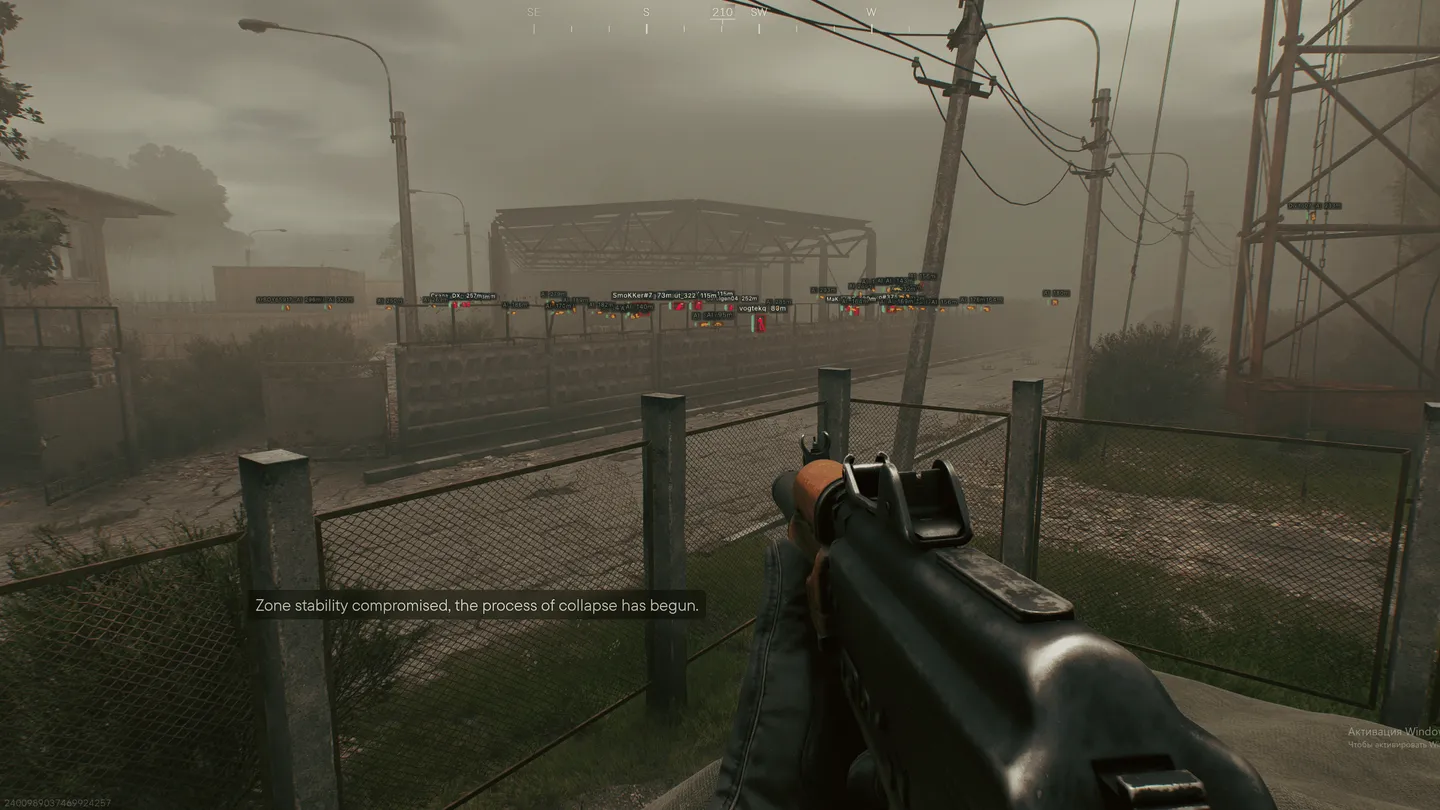
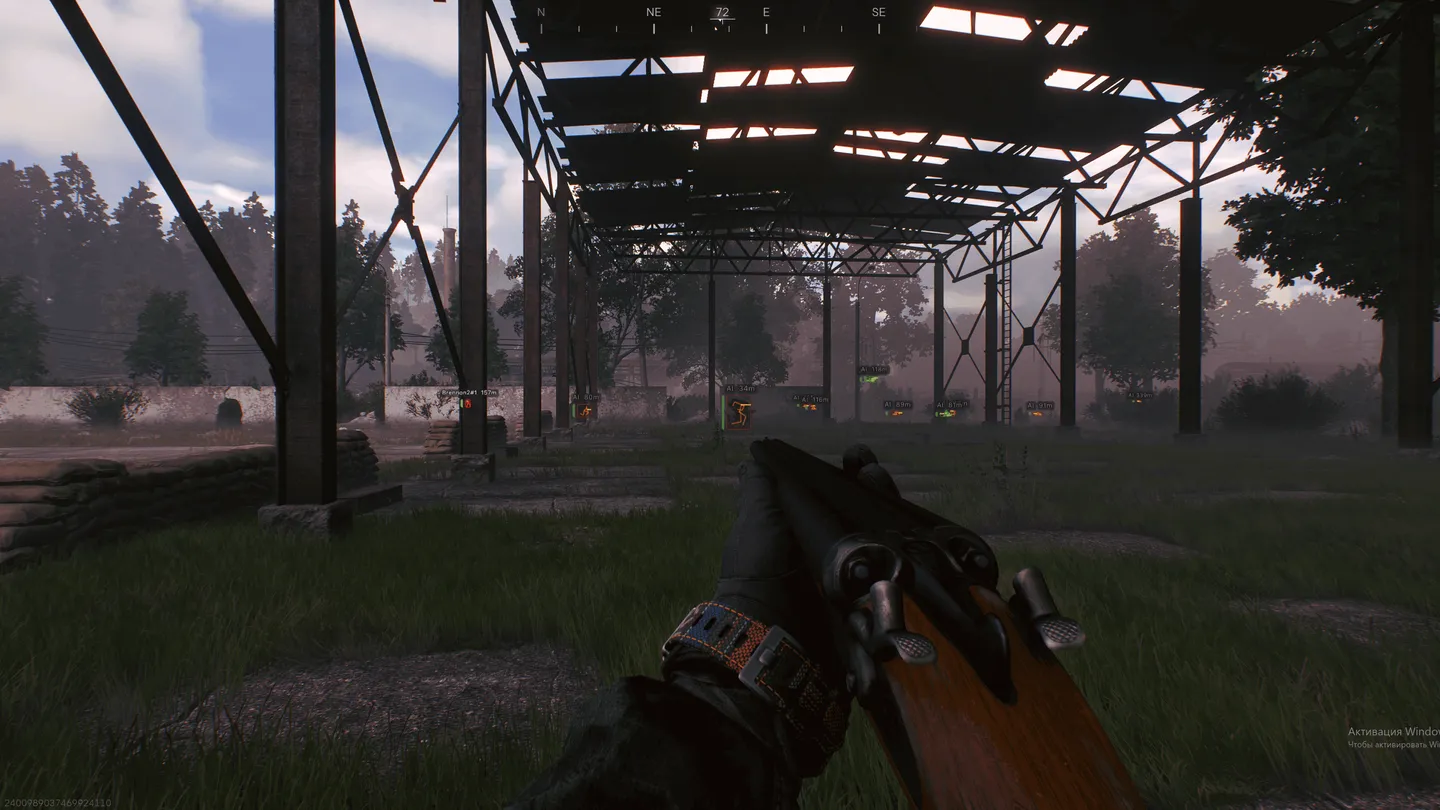
Arcane's Active Matter cheat is built around the aimbot, and its Aim Type decides how a shot reaches the target: Vector, Bullet Teleport or Silent. From there it gets finer. You choose between players, bots and your own team, mark the bones yourself or let the aim take the closest or a random one, and Smoothness keeps the movement from snapping. On the ESP side, players and bots get a box, a skeleton, a view line and a health bar, while bots can be faded with a transparency setting of their own. Loot has its own categories, from weapons and keys to chronogenes, cortical vaults and dog tags, and you can hide the containers you have already searched. For whatever is off the screen there is a radar with distance rings and a view cone, plus off-screen markers. Neither of them draws loot, only players and bots.
- Windows
- 10(all)/11(all)
- Processor
- All
- Graphics card
- Nvidia/AMD
- Launchers
- Steam
- Spoofer
- No built-in/Choose spoofer
Run the game in windowed or borderless mode.
List of Hack Features
Aimbot
- Enable
- Keybind: the key that turns the aim on
- Mode: (Always, On hold)
- Aim Type: (Vector, Bullet Teleport, Silent)
- Targets: (Players, Bots, Team)
- Find bone type: (Selected bone, Closest bone, Random bone)
- Bones selection: (Head, Neck, Body, Chest, Pelvis…), the bones the aim goes for
- Visibility check: locks only onto targets in line of sight
- Draw FOV Border: the capture circle drawn on screen
- Draw FOV Background: fills the circle in
- FOV Size: how big the capture circle is
- Smoothness: how gently the aim moves onto the target
- Max distance
ESP (players and bots)
- Bounding box: (Normal, Corner)
- Box fill: (Solid, Gradient)
- Skeleton: (Thickness, Head circle)
- View line: where the target is looking, from Start color to End color
- Line to enemy: (Position, Color)
- Health bar: (Solid, By health level, Gradient)
- Name
- Distance
- Draw BOTs: bots drawn along with players
- Draw teammates: your own squad on the ESP as well
- Visibility check
- Bot transparency: a separate transparency for bots
- Max distance
ESP (objects)
- Corpses
- UAZ-67
- Airdrop
- Anomaly
- Creatures
ESP (items)
- Show count
- Show distance
- Weapons
- Ammunition
- Medicines
- Equipment
- Weapon mods
- Keys
- Goods
- Containers
- Alerts
- Chronogenes
- Dog tags
- Cortical vaults
- Furniture
- Other items
ESP (containers)
- Hide looted: containers you have already searched drop off the ESP
- Weapon crates
- Military crates
- Medical crates
- Industrial
- Vehicles
- Furniture and civil
- Other containers
Radar
- Enable
- Entities: (Players, Bots)
- Distance rings
- FOV cone
- Scale by distance
- Zoom
- Size
- Transparency
Off-screen
- Enable: markers for targets outside the screen
- Entities: (Players, Bots)
- Distance
- Range
- Size
Misc
- No recoil
- No spread
- No sway
- Show ammo count
Settings
- Menu key
- Unload key
- Crosshair: a crosshair of your own on screen
- DPI scale
- VSync
- FPS limit
Configs
- Create
- Delete
- Load
- Save
- Share
The developer may change the program's functionality at any time, but we always do our best to keep this information up to date
