


SMG Cheat for Bodycam
How to install and launch
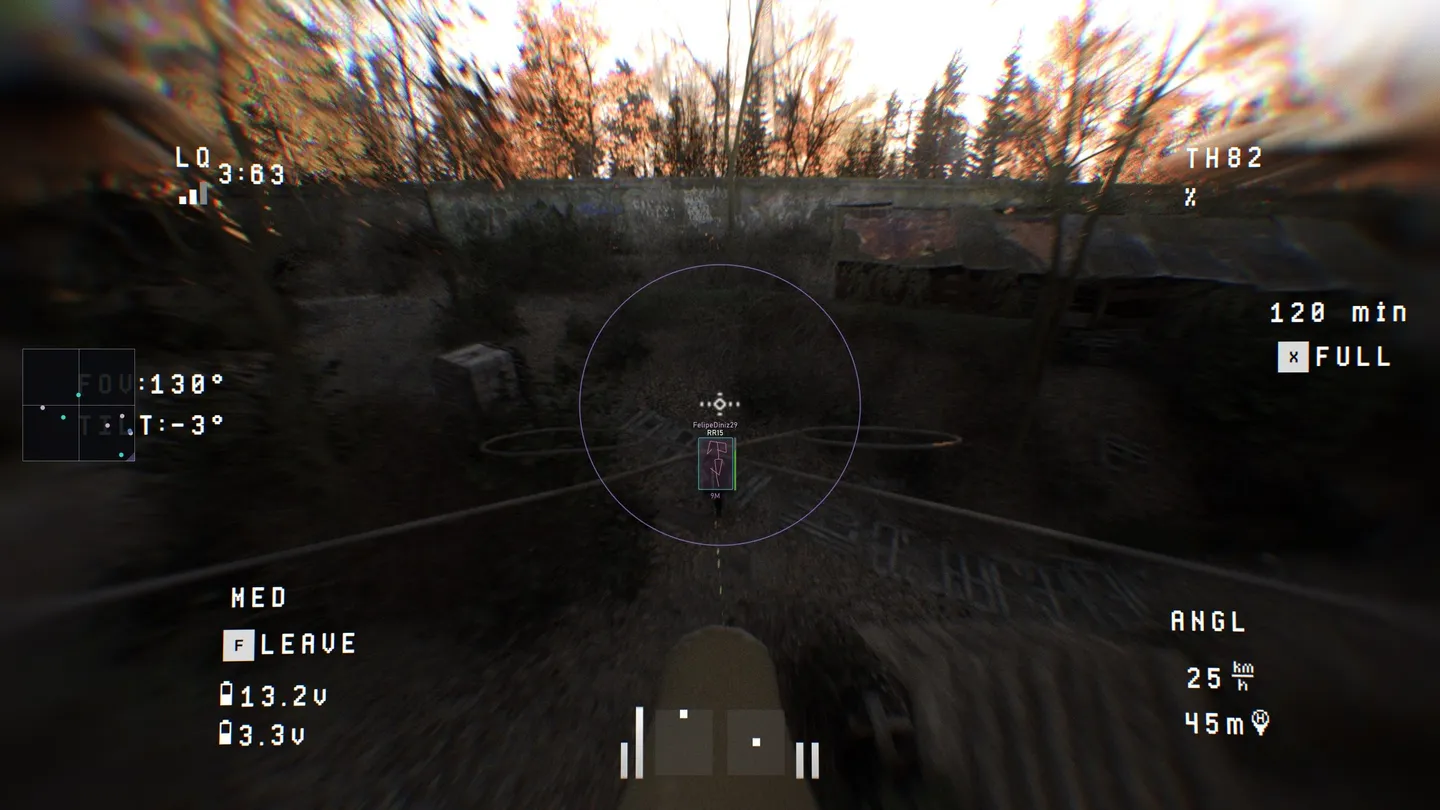
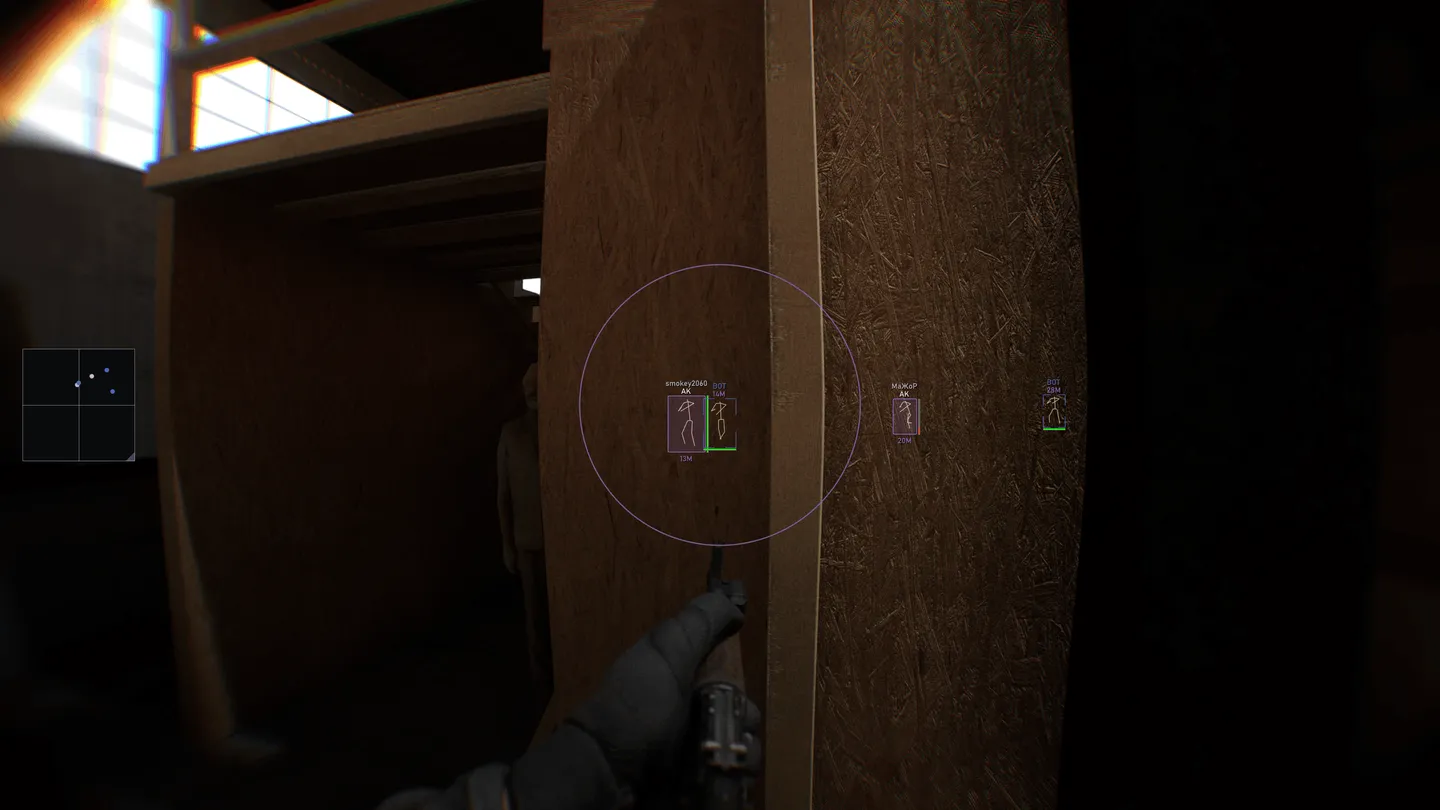
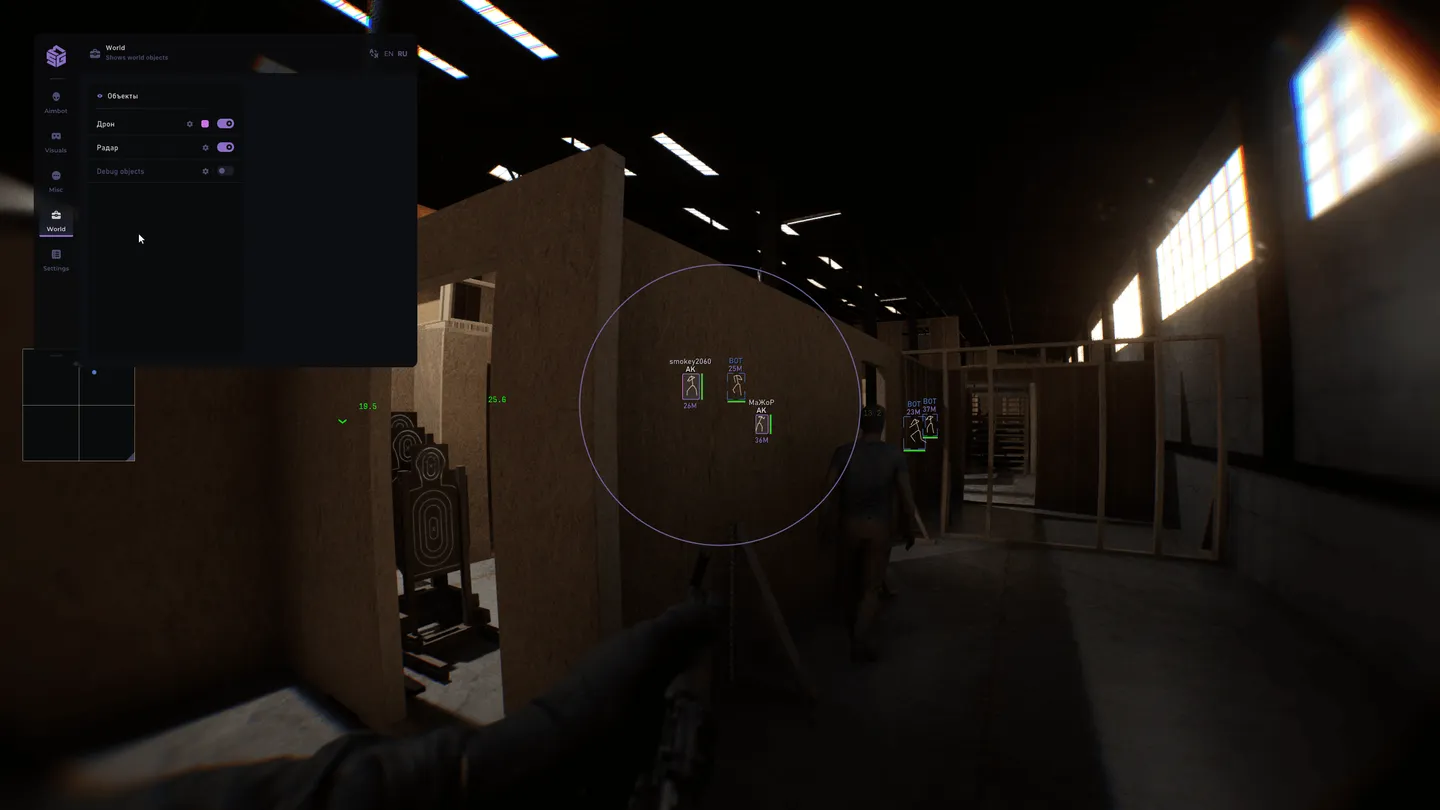
SMG keeps two separate ESP profiles on Bodycam, one for players and one for NPCs, and each carries its own colors, its own labels and its own distance limit. Cut the bot profile back and the frame stays readable, which is the difference between useful and useless in a co-op zombie round or a lobby padded with bots. The drone gets the same treatment: the World tab draws it as an object of its own, with icon, title and distance, and the aimbot has an Ignore drone switch so a hovering camera never steals the lock. Boxes are the thin spot: off, normal or corners, no fill and no 3D, no line to the target and no arrows for anyone off the edge of the screen. What the menu does have is a layout preview, where every ESP element is dragged into place on a dummy before the match. Aim settings run short, with FOV, smoothing, a visible check and 500 m of reach, and the bone picker is a 3D body where head and neck get marked together. Misc is four switches: recoil, reload, aim speed, weapon swap. There is no hide-from-capture option anywhere in the menu, and the game itself has to sit in windowed or borderless mode.
- Windows
- 1021h2-22h2/1121h2-23h2
- Processor
- All
- Graphics card
- All
- Launchers
- Steam
- Streamproof
- no
- HWID Spoofer
- No built-in/Choose spoofer
List of Hack Features
54 features in 6 groupsAimbot
- Enable — turns the aimbot on; the activation key sits on the same row
- Auto switch — moves to the next target on its own
- Visible check — works only against targets that are actually visible
- Ignore drone — keeps the aim off flying drones
- Show radius — draws the capture circle on screen
- Circle segments — how smoothly that circle is drawn
- Circle thickness — line weight of the circle
- Show crosshair — a crosshair of your own in the middle of the screen
- Field of view (FOV) — the capture cone in degrees
- Smooth — how slowly the aim travels to the target
- Maximum distance — working range, up to 500 m
- Bone selection — an interactive 3D body where the bones are picked by hand
- Bone priority — several bones marked at once, head and neck for instance
ESP
- Settings mode — two profiles kept apart, one for players and one for NPCs
- Box mode — off, normal or corners
- Name — the player nickname
- Skeleton — the model skeleton, with its own color, line thickness and range
- Weapon — what the player is holding; players only
- Distance — how far the target is
- Kills / deaths — the target score
- Friendly (team) — teammates drawn apart from enemies; players only
- Visible state — a different color for anyone behind cover
- Health — the health bar
- Maximum distance — how far the ESP reads, up to 350 m
- Preview — the ESP layout on a dummy, elements dragged into position
World
- Flying drone — the drone drawn as an object of its own
- Icon — a marker on the drone
- Title — the drone name
- Distance — how far the drone is
- Background — a backing plate under the drone label
- Font size — size of that label
- Maximum distance — how far drones are drawn
- Color: Visible — a separate color for a drone out in the open
Radar
- Radar — a separate map, switched on in the Objects list
- Zoom — radar scale
- Background — the radar backing
- No resize — locks the radar size
- My direction — where you are facing
- View direction — where a marked player is looking
- Colors — players, bots, visible targets and the outline set apart
Misc
- No recoil — removes recoil
- Fast reload — speeds the reload up
- Fast aim — speeds up going into aim
- Fast swap — speeds the weapon swap up
Settings
- Save settings — writes the current config
- Load settings — reads a saved config back
- Reset settings — returns everything to defaults
- Font name — the menu typeface
- Font size — its size
- Change font — applies the chosen font
- Reset font — brings the original one back
- Menu — the key that opens the menu
- Panic — the emergency key
- Battle mode — a stripped-down menu for a fight

