


Ghost Cheat for Deadlock
1 / 7
How to install and launch
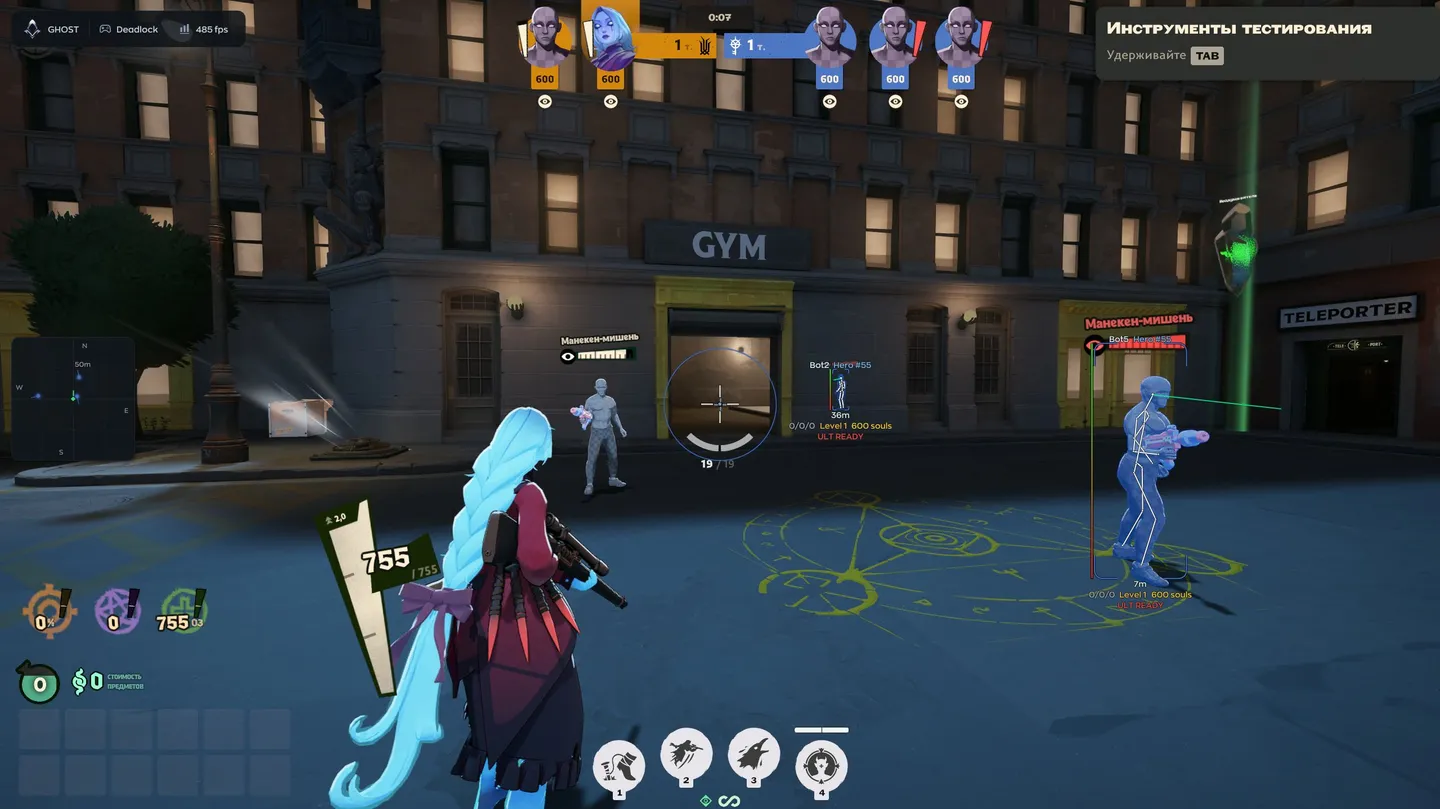
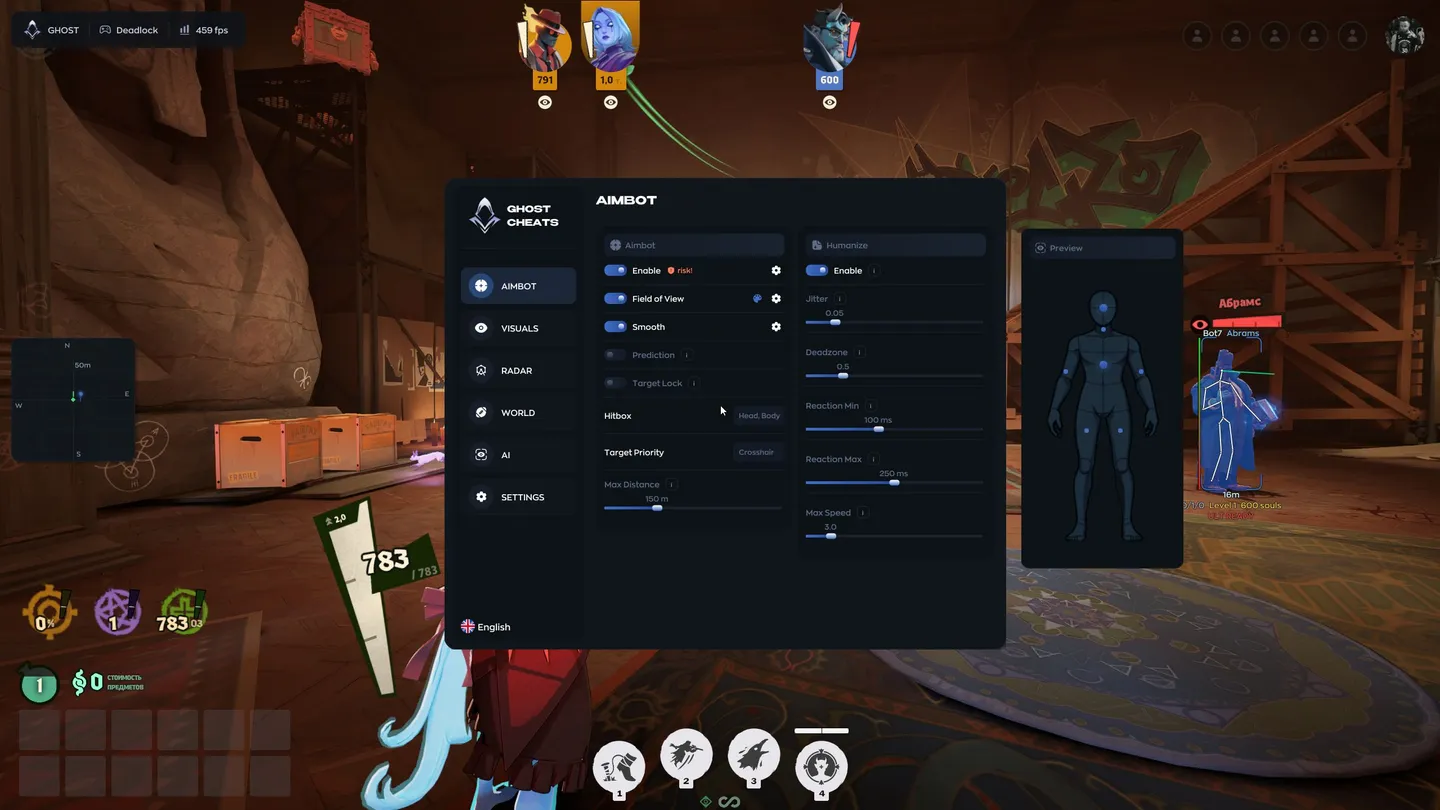
Ghost's Deadlock aimbot lets you tune how quickly it acquires and follows a target, with prediction and a separate Humanize section for reaction delays, jitter and a deadzone. That suits players who want to adjust the aiming behavior themselves. The player overlay also puts souls, ultimate readiness and status effects beside an opponent, so you can judge more than their position before a fight. In the built-in chat, you can ask the AI assistant for a configuration. The aimbot is marked as risky.
Status:
undetected
- Windows
- 10(all)/11(all)
- Processor
- All
- Graphics card
- Nvidia/AMD
- Launchers
- Steam
- HWID Spoofer
- No built-in/Choose spoofer
List of Hack Features
48 features in 10 groupsAimbot
- Enable or disable aim assistance; the developer marks this switch as risky
- Set the Field of View and draw its circle around the crosshair
- Adjust Smooth to control how quickly the aim moves toward a target
- Prediction leads a moving target
- Target Lock keeps the selected target
- Choose the Hitbox and Target Priority
- Limit target acquisition with Max Distance
Humanize
- Enable a separate aiming behavior profile
- Add small aim movements with Jitter
- Set a Deadzone where the aimbot does not correct the aim
- Choose the minimum and maximum reaction delay in milliseconds
- Cap camera turning speed with Max Speed
Player ESP
- Enable the player overlay and optionally show teammates
- Draw a Box around each player
- Show the player's name, hero, distance and level
- Draw the Skeleton through walls
- Add a Snapline toward the player
- Use Offscreen Arrows to locate opponents outside the view
- Show the health bar and Eye Direction
- Check the overlay layout on the Preview mannequin
Extra ESP
- Show the player's soul count and KDA
- Track ultimate readiness with Ult Tracker
- Display Rejuv / Rebirth indicators
- Show active Status Effects
Glow
- Highlight player models
- Choose colors and the Color Mode
Radar
- Display nearby players on a separate radar
- Toggle its outline and background
- Show View Direction
- Choose the Point Style and Point Size
- Adjust the radar Size, Max Distance and Zoom
- Preview radar markers in the menu
World
- Mark Objectives, including important map targets
- Highlight Creeps and Pickups
- Set colors and individual options for object categories
- Show Camp Timers for camp respawns
AI assistant
- Ask the assistant about the Deadlock overlay in the built-in chat
- Request an aiming configuration in a text message
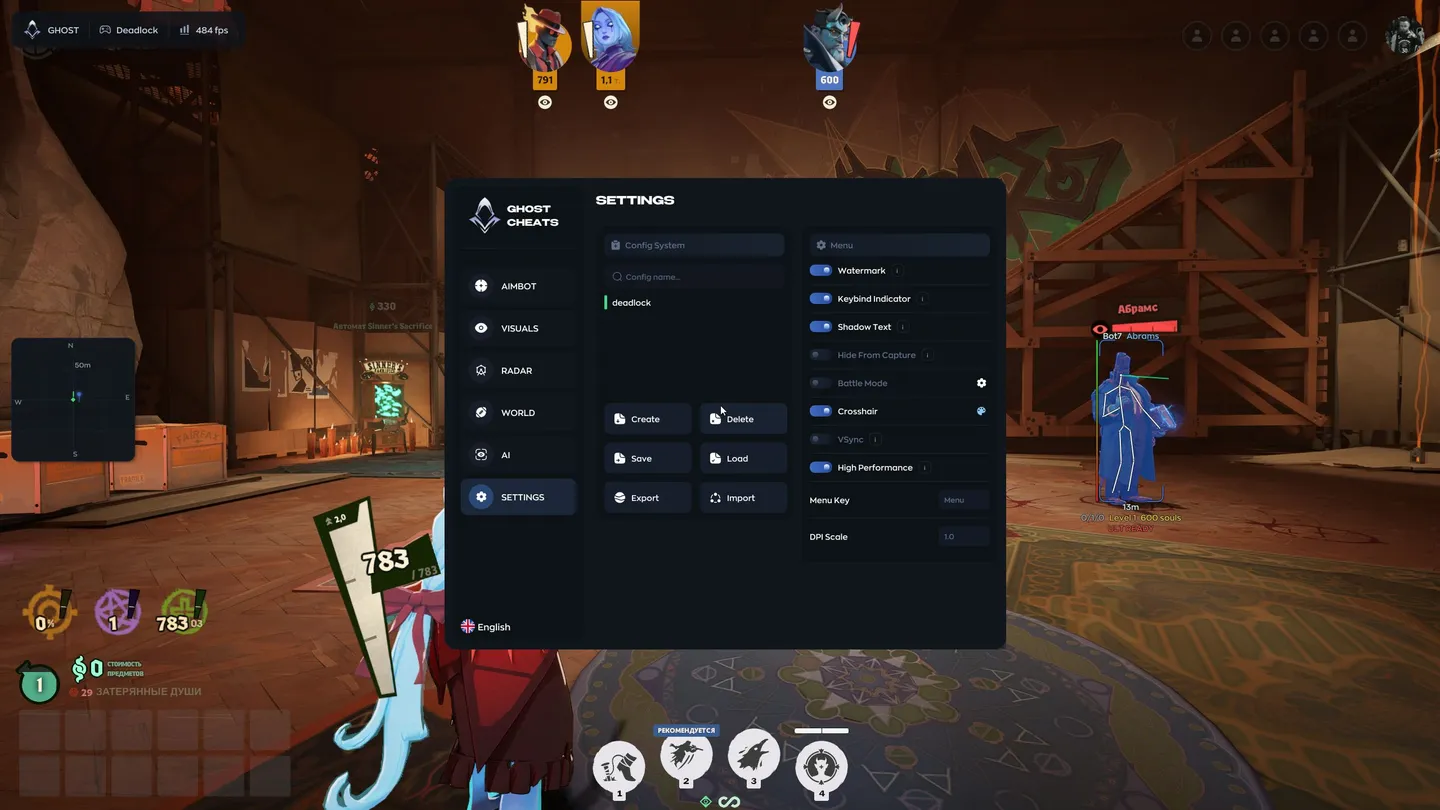
Configurations
- Create and delete named configurations
- Save the current setup or load a saved one
- Export and import configurations
Interface and settings
- Show the Spectator List
- Toggle the Watermark, Keybind Indicator and Shadow Text
- Hide From Capture hides the menu from recording
- Battle Mode hides selected interface elements
- Enable and color a custom Crosshair
- Toggle VSync and High Performance
- Choose the Menu Key, DPI Scale and interface language
