

Ghost Chams Cheat for Delta Force: Hawk Ops
1 / 3
How to install and launch
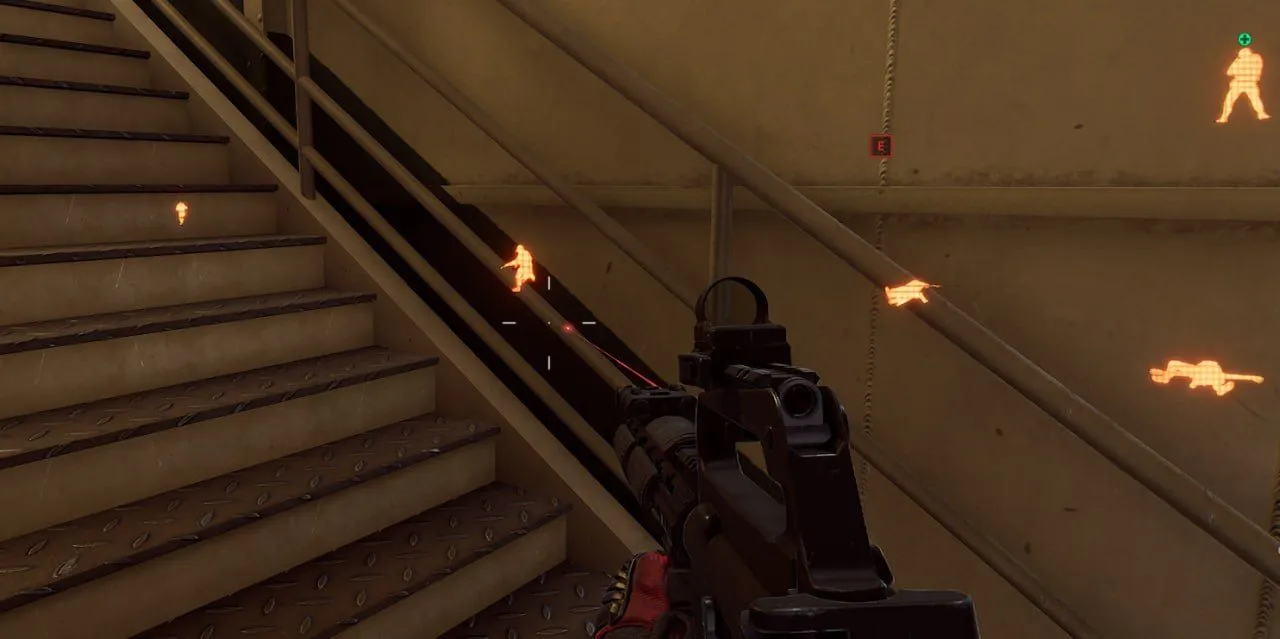
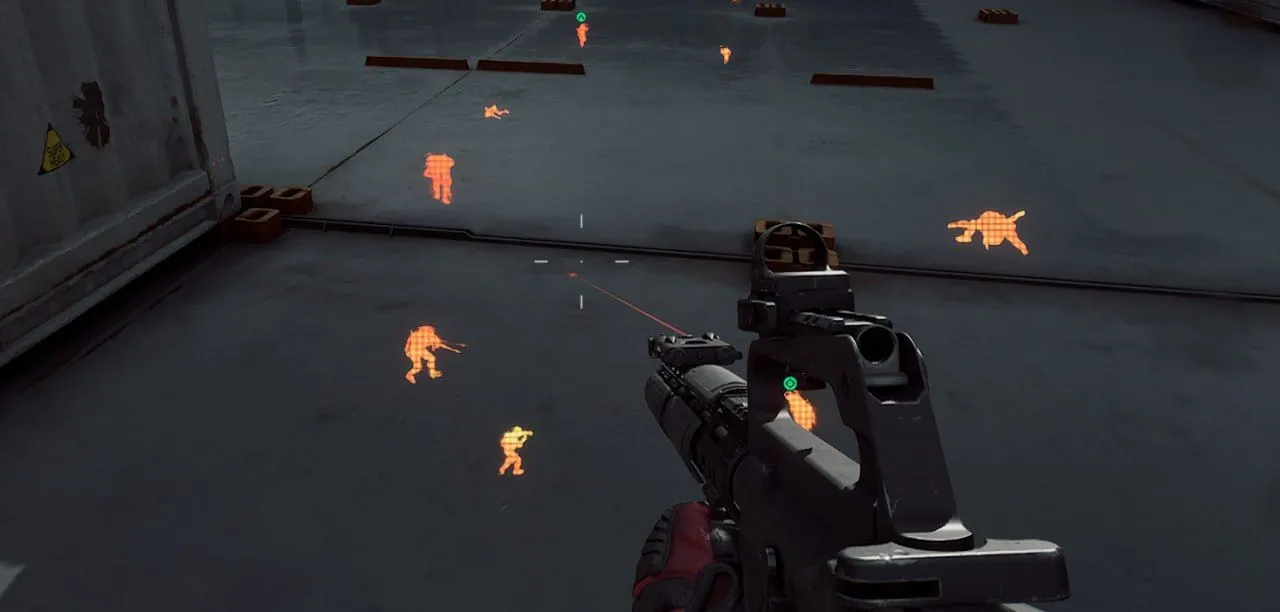
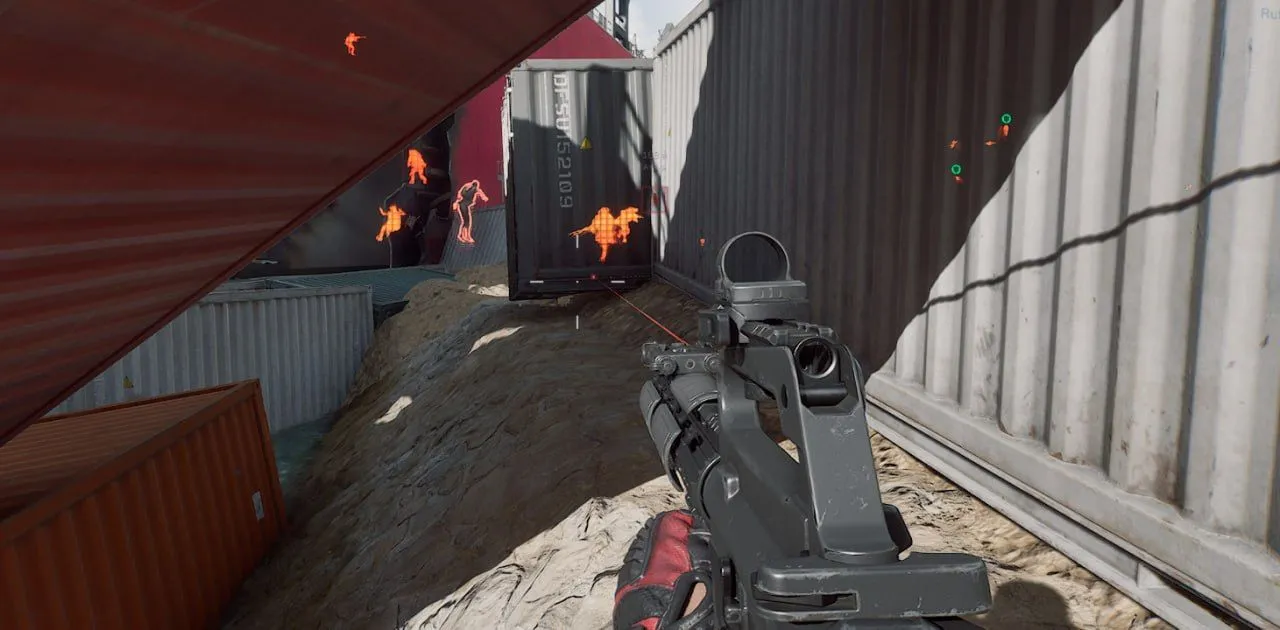
Ghost Chams for Delta Force: Hawk Ops does one thing: it fills player models with a bright color that shows through walls, stairs and containers, so you see where everyone stands before you round a corner. By color, players stand out in orange and bots in blue. Prone, crouching and running figures keep their pose in the highlight, so you can read what an enemy is doing behind cover. There is no visibility check, no names or distance and no aimbot, only the colored models.
Status:
undetected
- Windows
- 10(all)/11(all)
- Processor
- All
- Graphics card
- Nvidia/AMD
- Launchers
- Steam
- Spoofer
- No built-in/Choose spoofer
List of Hack Features
Chams
- Applies a bright color to player models, making them clearly visible through walls and other obstacles
- Separates players and bots by color: bots are highlighted in blue, players in orange
The developer may change the program's functionality at any time, but we always do our best to keep this information up to date


