

Ghost Full Cheat for Delta Force: Hawk Ops
How to install and launch
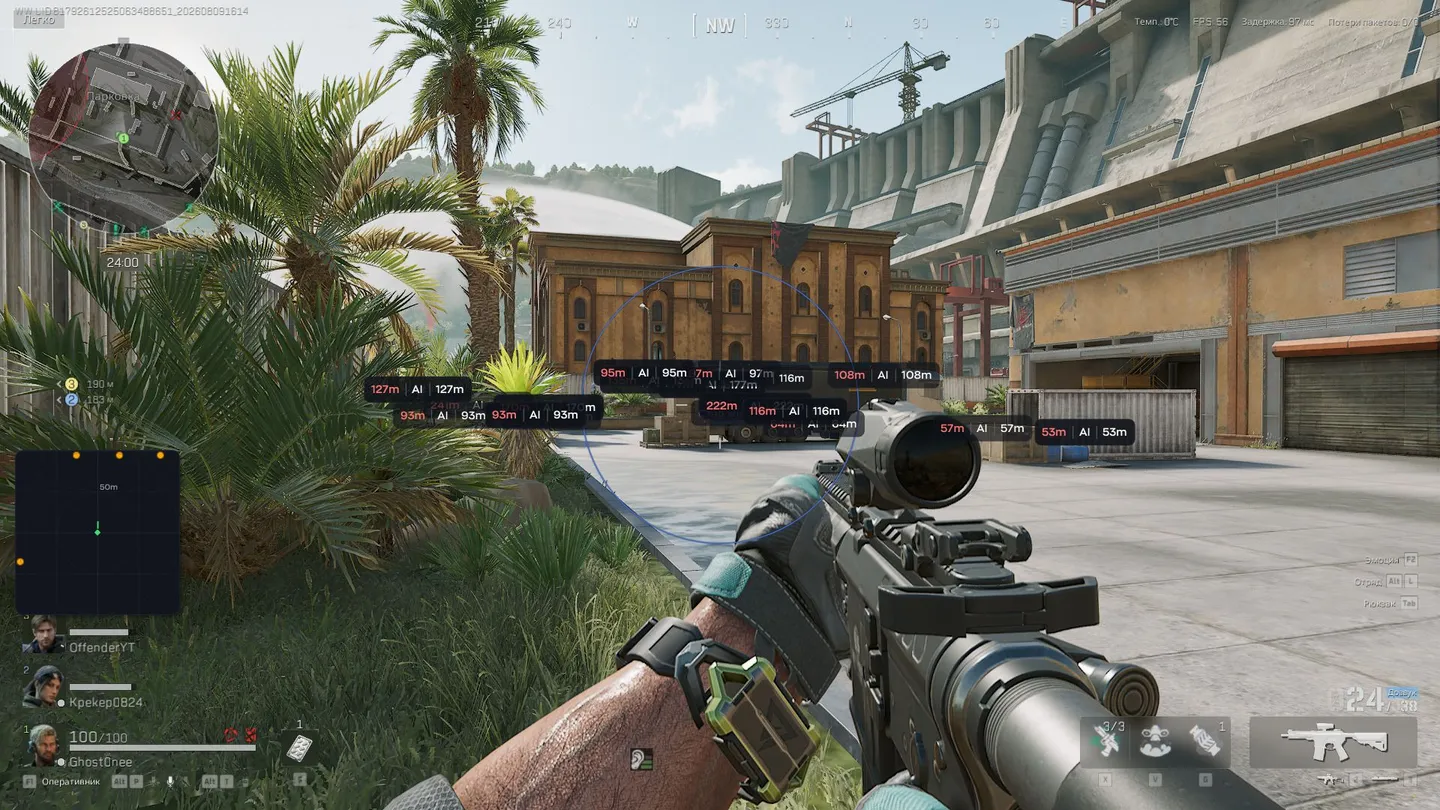
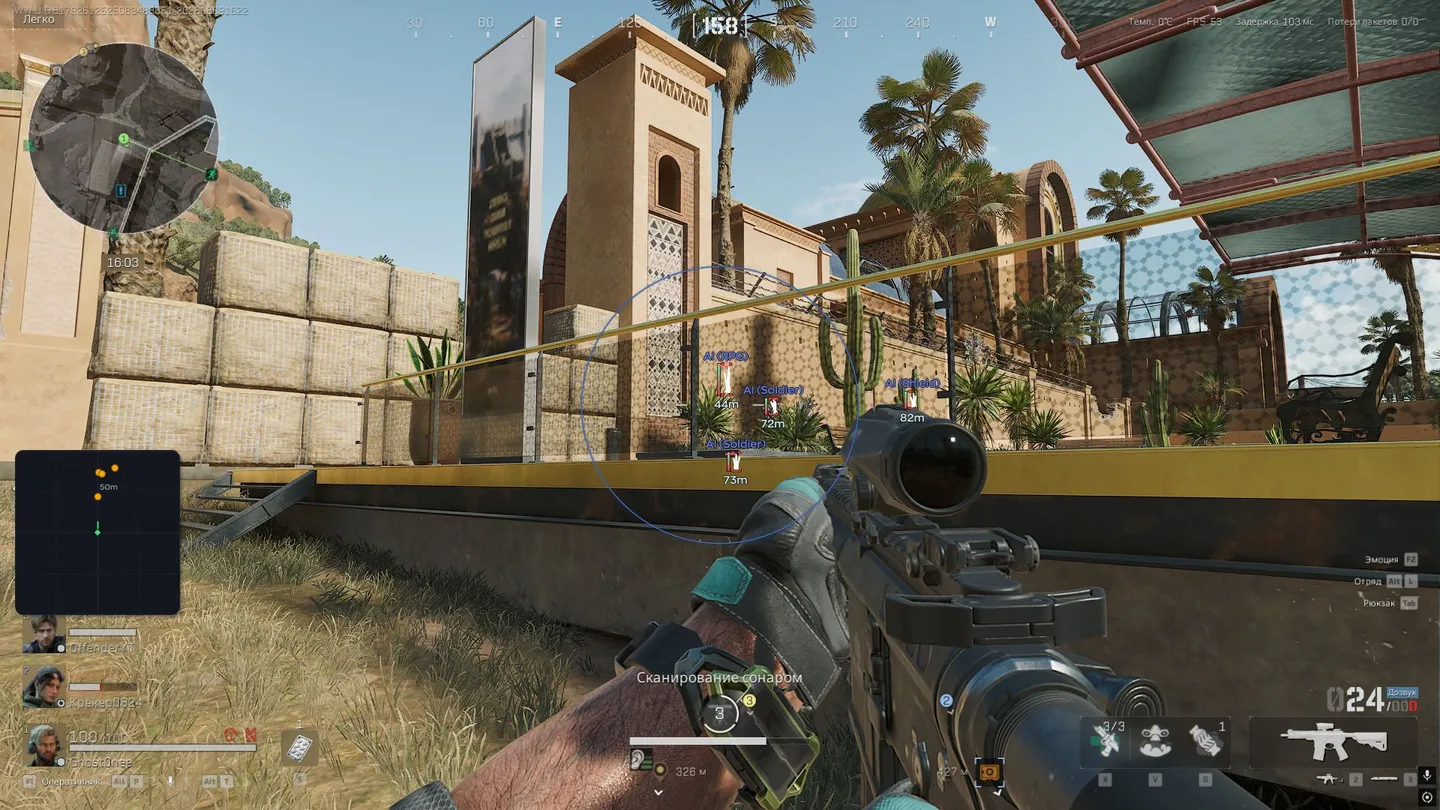
Ghost Full for Delta Force: Hawk Ops has two aim modes, Memory and Silent, and a humanize block of its own, with jitter, a deadzone, a reaction delay between a min and a max and a ceiling on aim speed so the assist looks less mechanical. Beyond that, the aim takes a hitbox or a selected bone, a visibility check, a distance limit and recoil control. Players and AI bots get separate ESP settings, each with boxes, skeletons, names, distance, health and look direction, and squadmates are marked as a party. In the world tab corpses can be filtered to bots only, containers and safes can hide empty or already opened ones, and loot is shown by rarity from common to red, with short names, armor level and count. On top of that come a radar with its own colors for players and bots and a battle mode key. There are no chams or glow, so players behind walls show up only as boxes and skeletons.
- Windows
- 10(all)/11(all)
- Processor
- All
- Graphics card
- Nvidia/AMD
- Launchers
- Steam
- Spoofer
- No built-in/Choose spoofer
List of Hack Features
Aimbot
- Type — operating mode (Memory / Silent).
- FOV — target acquisition angle.
- Smoothing — smoothness of aim movement.
- Hitbox — selection of the body part to target (head, body, etc.).
- Bone Mode — selection of a specific character model bone.
- Max Distance — adjustment of the aimbot's operating range.
- Visible Check — aims only at targets in line of sight.
- Recoil Control — compensates weapon recoil.
- Humanize:
- Enable — activates the aimbot's "humanization" system.
- Jitter — slight micro-movements during aiming to avoid looking perfect.
- Deadzone — a zone where the aimbot does not move the crosshair until the target exits it.
- Reaction Min — minimum reaction delay before aiming.
- Reaction Max — maximum reaction delay.
- Max Speed — maximum aiming speed.
Visuals
- Enable — activates the ESP display.
- Box — draws a frame around the model.
- Skeleton — shows the character's bone lines.
- Name — displays the target's nickname or type.
- Party — highlights team members.
- Distance — shows the distance to the target.
- Look Direction — draws a line indicating the player's line of sight.
- Health — displays HP.
- AI — separate ESP for bots: box, skeleton, name, distance, look direction and health.
World
- Enable — shows corpses.
- Bot corpses — displays only bots.
- Containers:
- Enable — shows containers.
- Safe — highlights safes.
- Hide empty — does not show empty ones.
- Hide open — hides already looted ones.
- Loot:
- Enable — shows items
- ▸ Rarity categories: Common / Rare / Epic / Legendary / Mythic / Red
- Display:
- Short — abbreviated format.
- Armor — shows armor level.
- Quantity — item count.
Radar
- Enable — activates the mini-radar.
- Size — adjusts the radar window size.
- Max. distance — detection range.
- Scale — zoom in/out.
- Dot size — marker size.
- Dot style — circle/square/triangle.
- Colors — separate colors for players and bots.
- Background and outline.
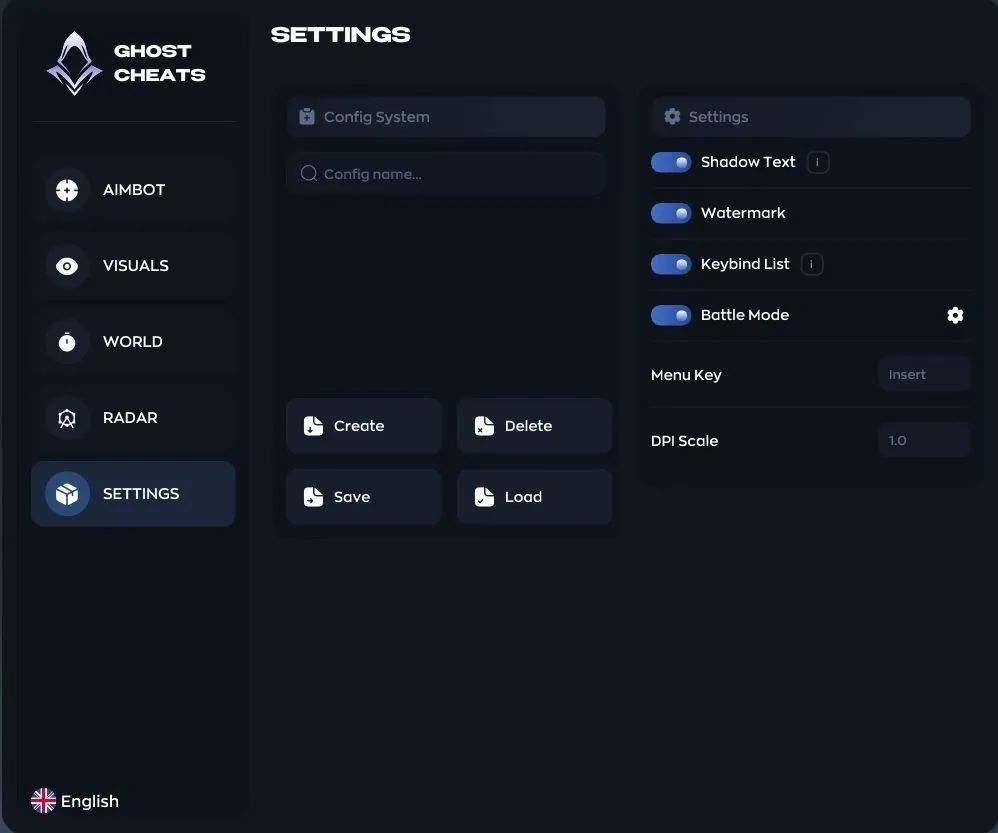
Settings
- Configs:
- Create
- Delete
- Save
- Load
- Interface:
- Text shadow — improves readability.
- Watermark — displays the cheat's logo.
- Bind list — shows hotkeys.
- Battle Mode
- Menu Key
- DPI Scale
The developer may change the program's functionality at any time, but we always do our best to keep this information up to date


