

Vengeance Lite Cheat for PUBG: Battlegrounds
How to install and launch
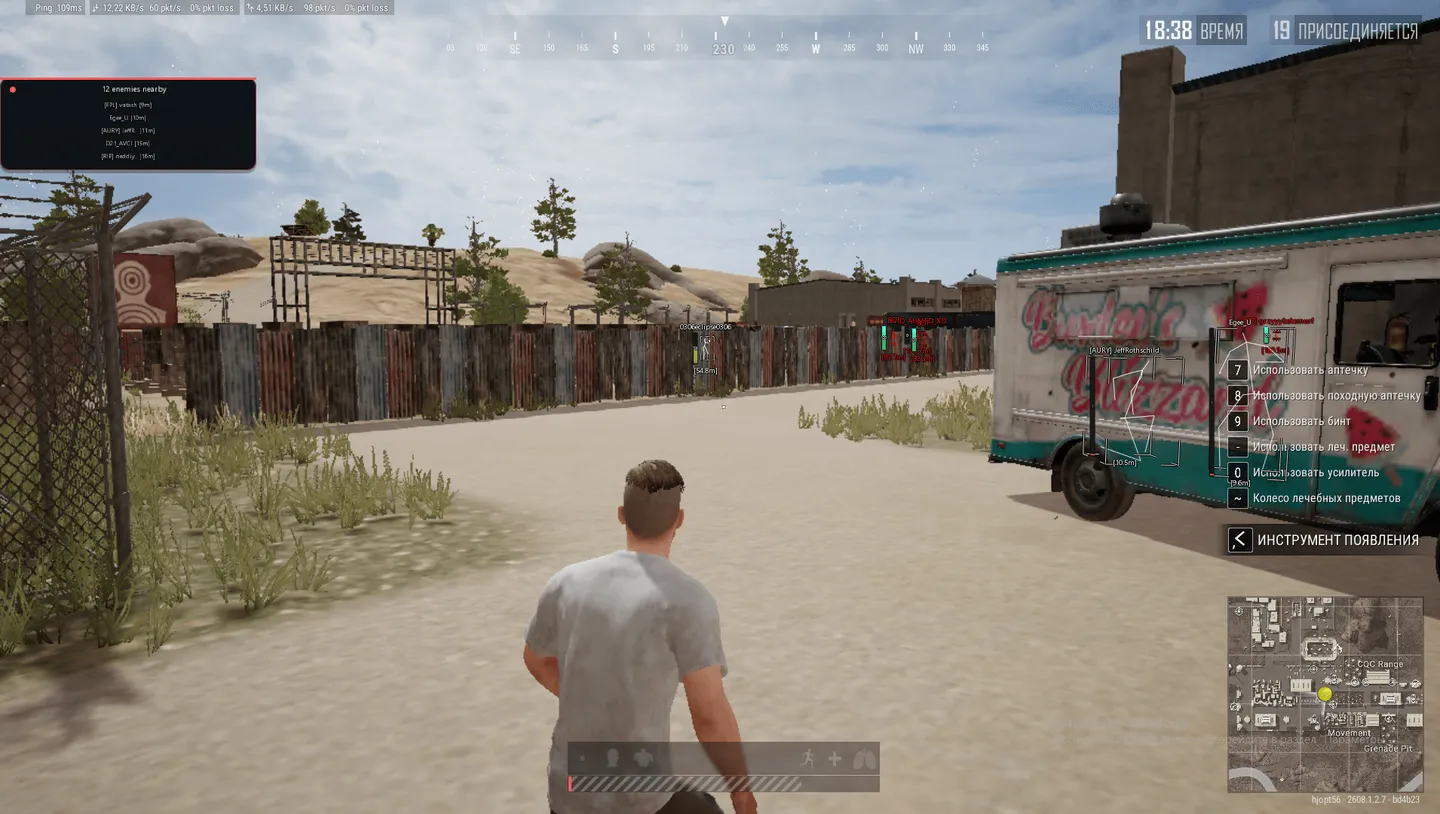
Vengeance Lite draws players and nothing else. No aimbot, no loot highlighting, no vehicles, no radar or spectators — the corresponding threads never start in this build. What remains is a complete look at the enemy: four box styles, a skeleton with adjustable line thickness, nickname, health bar and distance in meters. A draw-distance cutoff of up to 1000 meters keeps far-away players off the screen and off your frame budget, while Visible Check leaves only the enemies genuinely in your line of sight. The Danger warning panel counts hostiles within 200 meters and lists the five nearest. It is cut down too: name and distance are there, the level and kill columns are not.
- Windows
- 10(all)/1121h2-25h2
- Processor
- All
- Graphics card
- All
- Launchers
- Steam
- Streamproof
- yes
- Spoofer
- No built-in/Choose spoofer
Instant delivery
List of Hack Features
Visuals
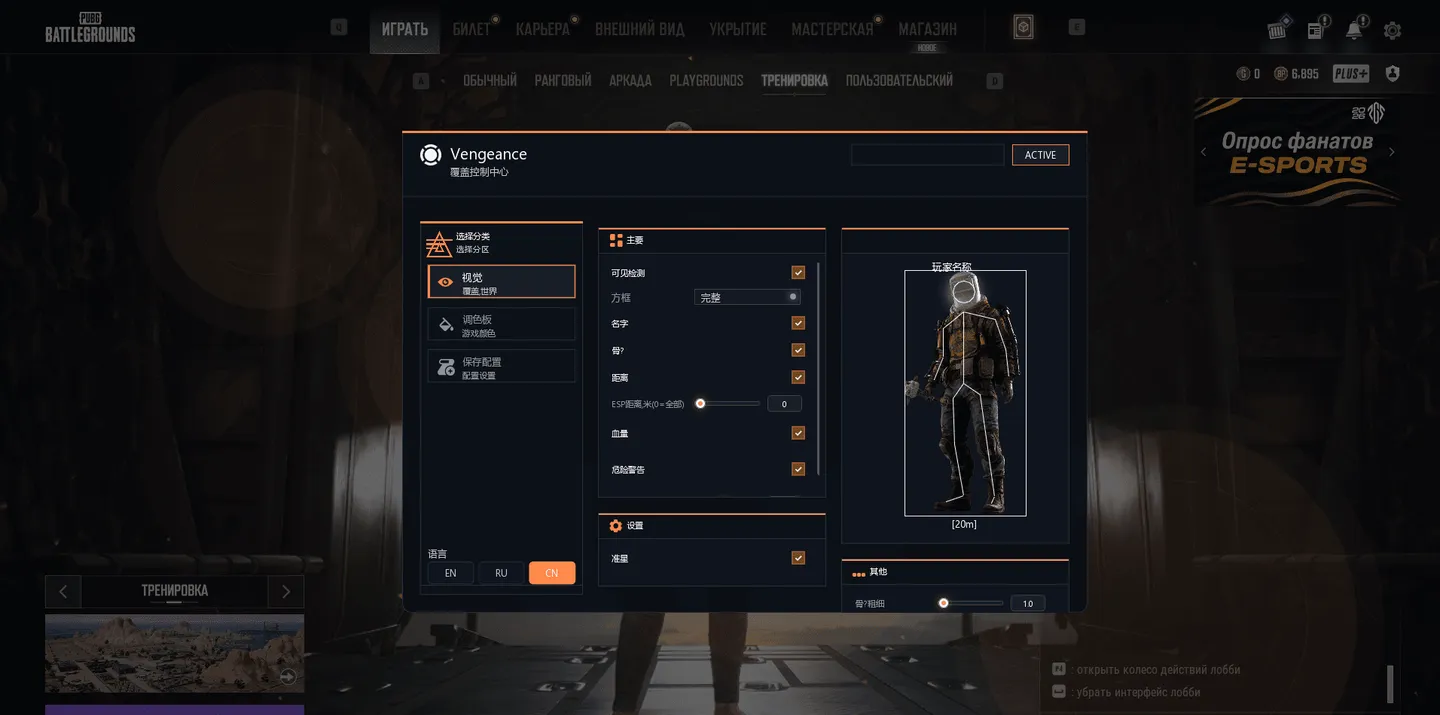
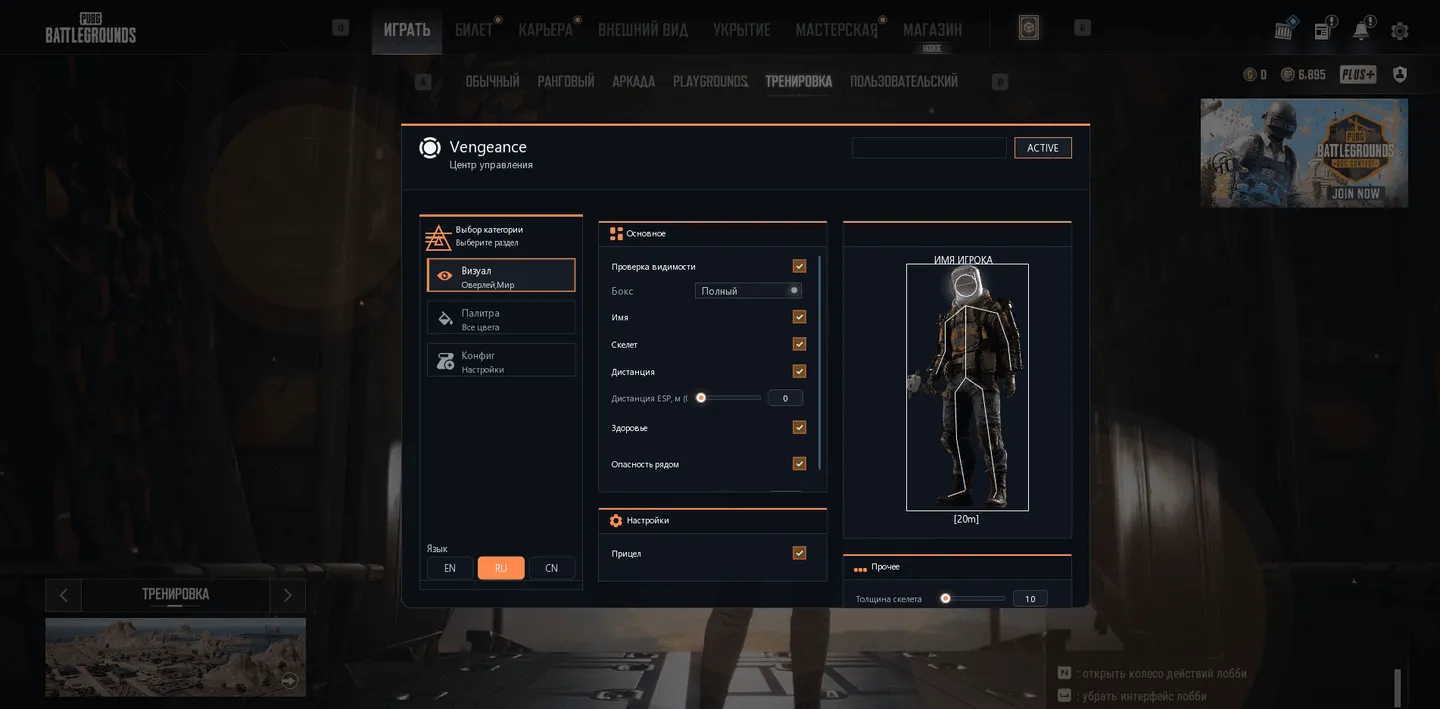
- Visible Check - Draws only the enemies you can actually see at this moment. Nothing is shown through walls.
- Box Type - Box style around the target: Full, Corner, 3D Box or None.
- Names - Player nicknames above their heads.
- Skeleton - Enemy skeleton drawn over the model.
- Bone Thick - Skeleton line thickness, on a slider.
- Distance - Distance to the target in meters.
- ESP max dist, m (0 = all) - Player drawing cutoff, up to 1000 m. Beyond it enemies are not drawn and cost no FPS; 0 removes the limit.
- Health - Health bar above the player, showing how much the target has left.
- Stream Proof - Hides the cheat window from OBS, Discord and other recording or streaming software.
- Crosshair - Static crosshair in the center of the screen.
- Danger warning - Top-left panel: a counter of enemies within 200 m and a list of up to five nearest with name and distance. Draggable with the mouse. Lite drops the K/S/Lv columns.
Palette (colors)
- Color Name - Player nickname color.
- Color Distance - Distance text color.
- Color 2D Box - Color of the box around the enemy.
- Color Bone - Skeleton line color.
- Color Crosshair - Static crosshair color.
Config (saving and loading settings)
- Input Name - Field for the new config name.
- Create New - Save current settings into a new file under the entered name.
- Rename - Rename the config selected in the list.
- Load Selected - Apply settings from the selected config to the current session.
- Save Selected - Overwrite the selected config with the current menu settings.
- Delete - Delete the settings file permanently.
- Refresh List - Re-read the config list from disk. Needed if files were moved by hand.
The developer may change the program's functionality at any time, but we always do our best to keep this information up to date


